Sign in with Password
Introduction
This topic offers you a streamlined approach to accessing the Stylist, specifically for scenarios where Microsoft SSO is not utilized. By adhering to these concise steps, you can achieve a seamless sign in and optimize your work processes.
Steps to Stylist Sign in with Password
-
Navigate to XY Stylist sign in page.
-
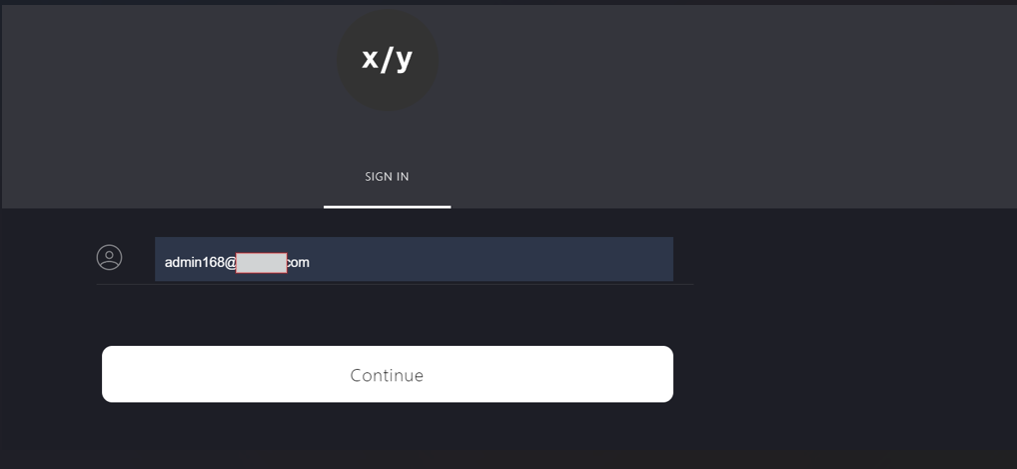
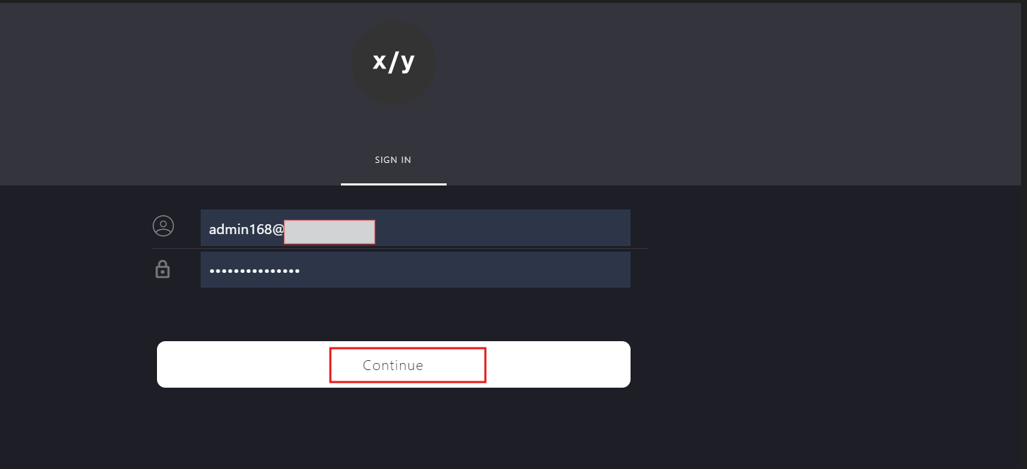
Enter the email address in the box.
-
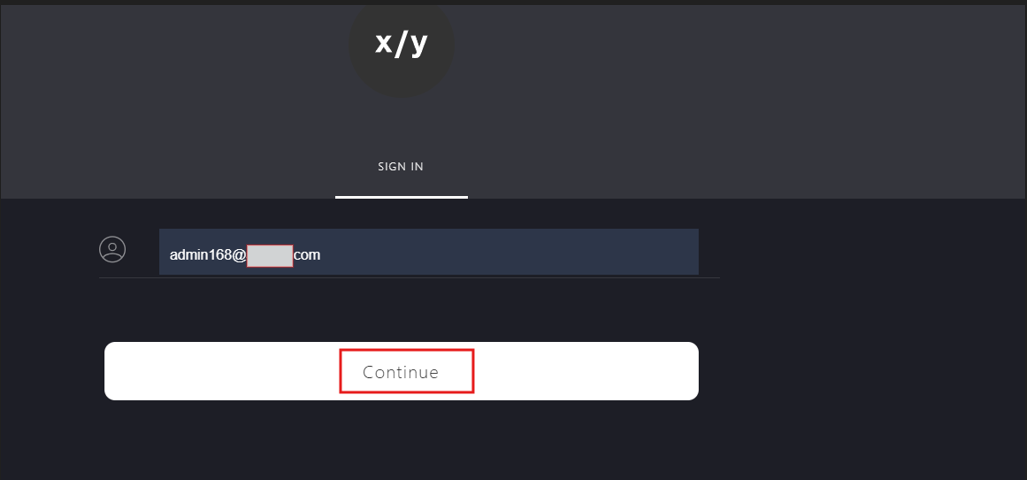
Click Continue.
-
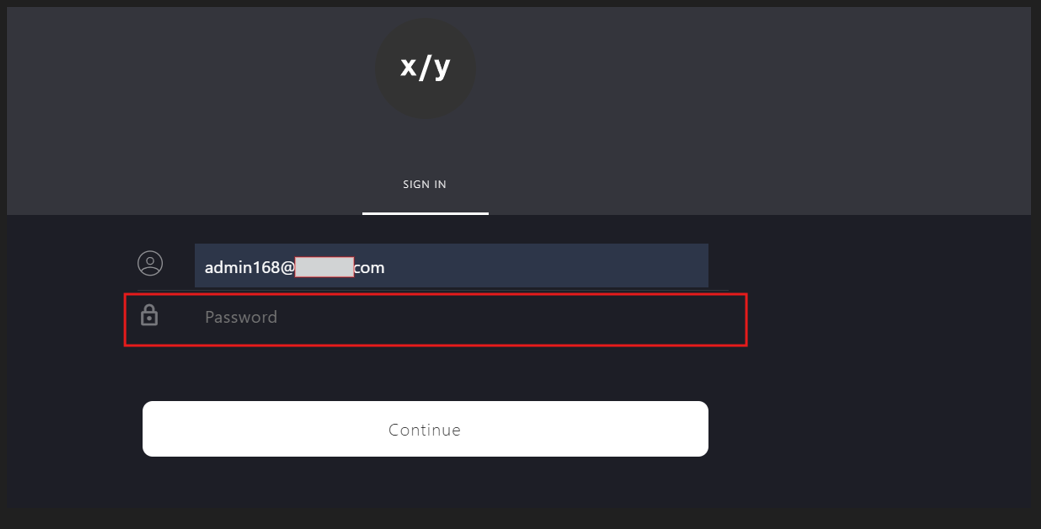
Enter the password in Password field.
-
Click Continue.
-
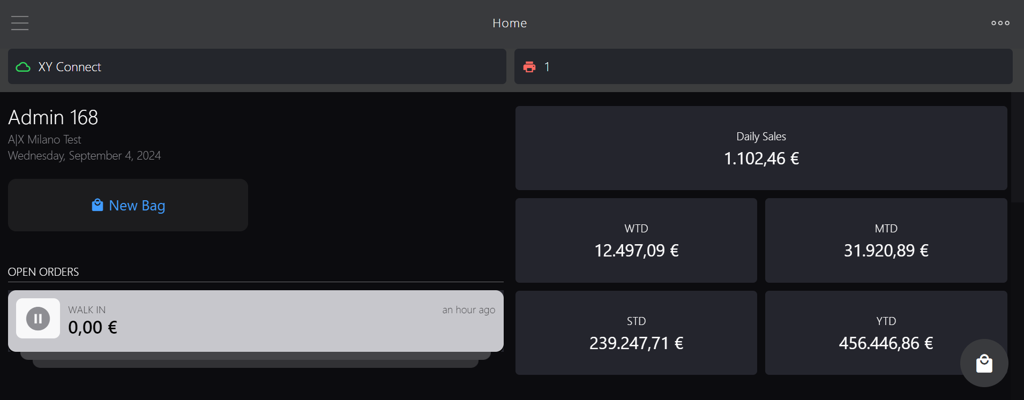
After successfully entering your password, you will be redirected to Stylist homepage.