Updating Item Price
Introduction
This topic outlines the process for updating the price of an item.
Steps to Updating Item Price
-
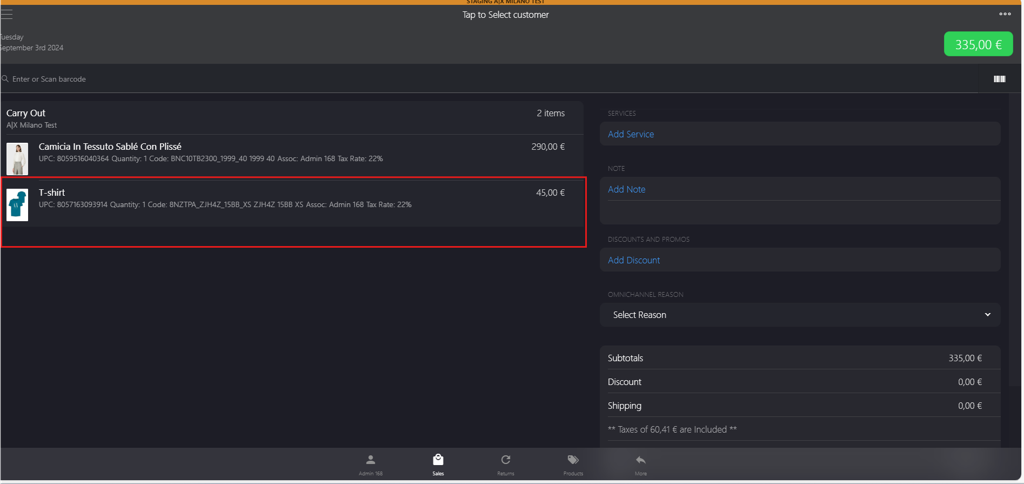
Click the item for which you want to update the price.
-
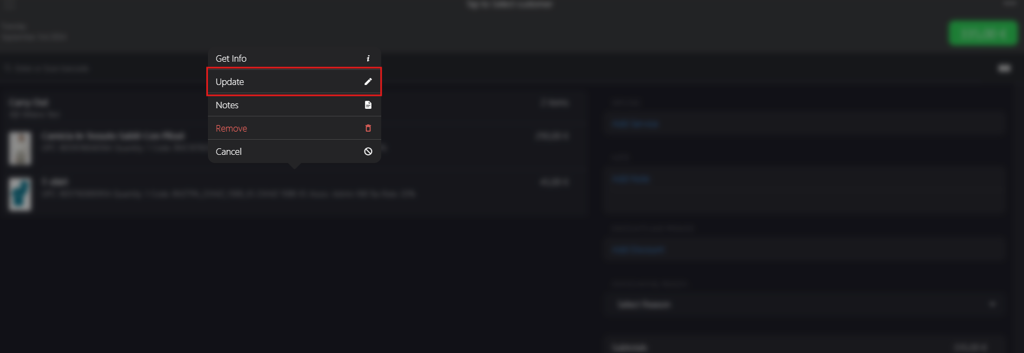
Select Update from the pop-up menu.
-
Enter the new price in the Price field on the Update Order Price page.

-
Click Update Price to apply the change.
