Changing Associate Before Scanning
Introduction
This topic explains the procedure of changing an associate before initiating the scanning procedure.
Steps to Change Associate Before Initiating the Scanning
-
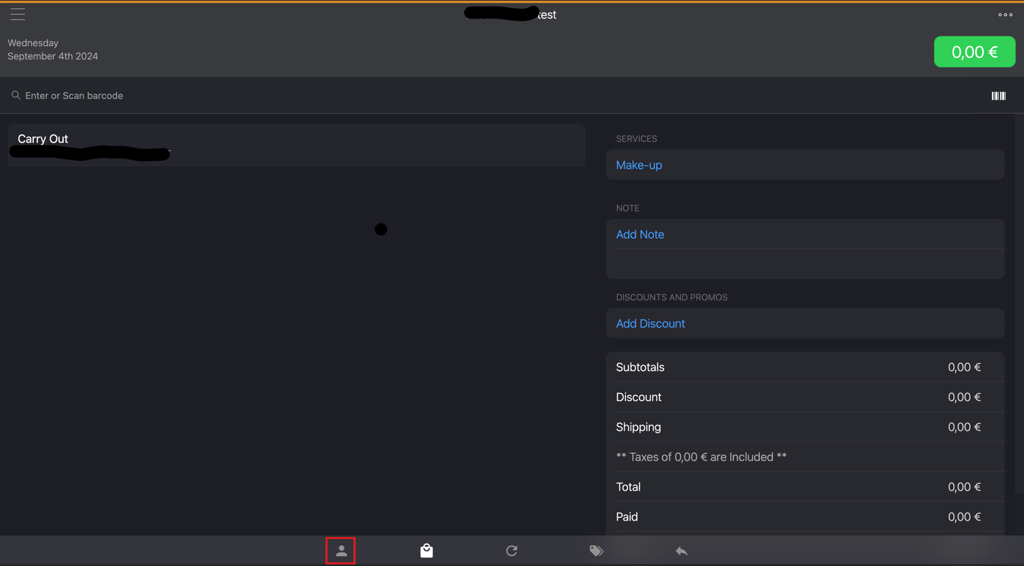
Click the associate name icon on the bottom bar.
-
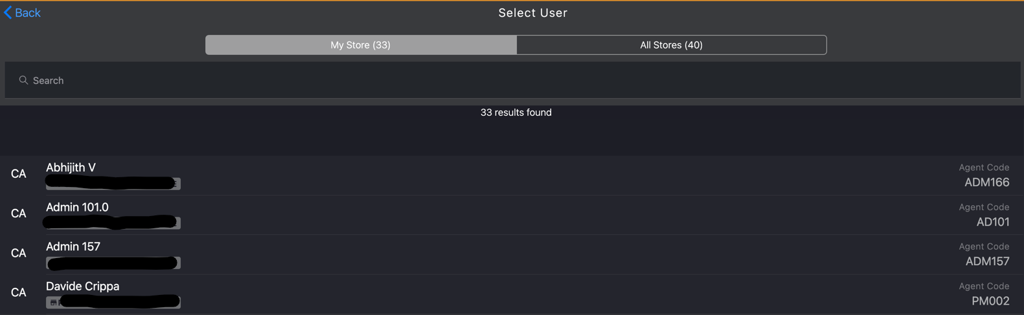
On the Select User page, select the desired associate from the list.
-
Verify that associate name icon in the bottom bar displays the newly assigned associate’s name.