Applying Tax Exemption
Introduction
This topic explains the procedure for applying tax exemption in a sales order.
Steps to Apply for Tax Exemption
-
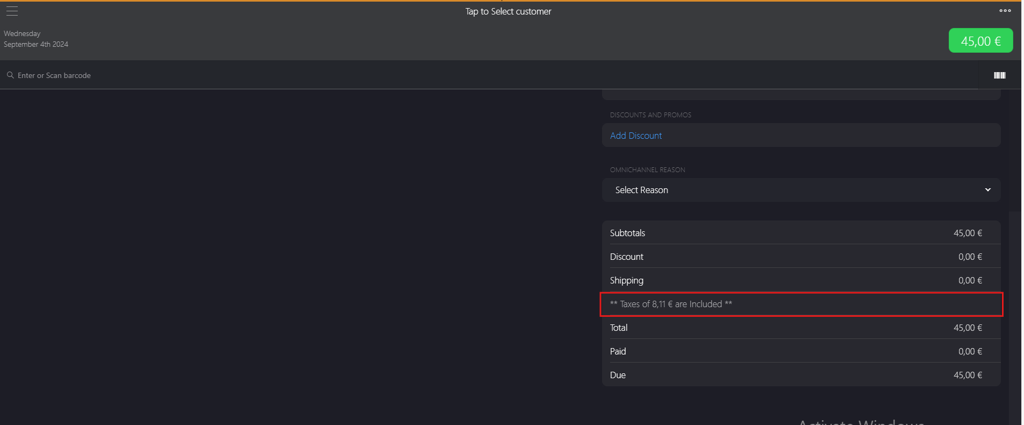
Click the Taxes field.
-
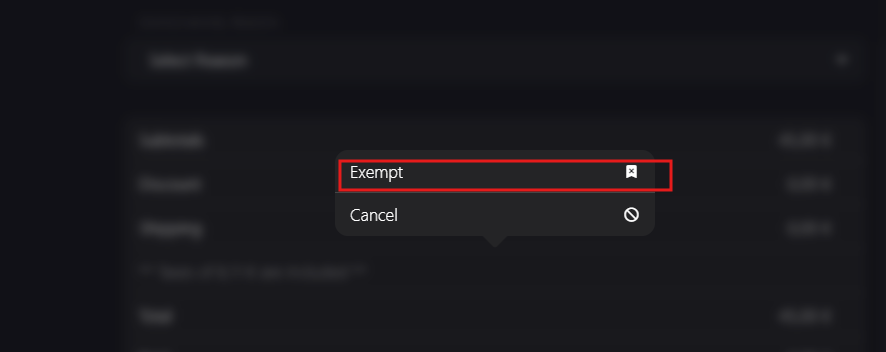
Select Exempt from the pop-up menu.
-
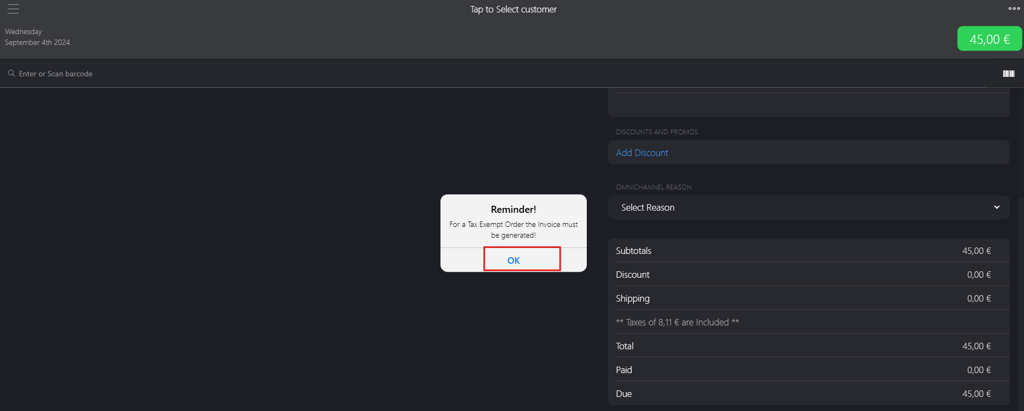
Click OK on the dialog box.
-
On the Tax Exempt page, select a appropriate Code from Select exempt code dropdown menu.

-
Click Done to apply tax exemption changes.
