Closing Sale with Split Payment
Introduction
This topic explains the procedure for closing a sale using split payment method, which involves a combination of cash and other payment options.
Steps to Close a Sale with Split Payment
-
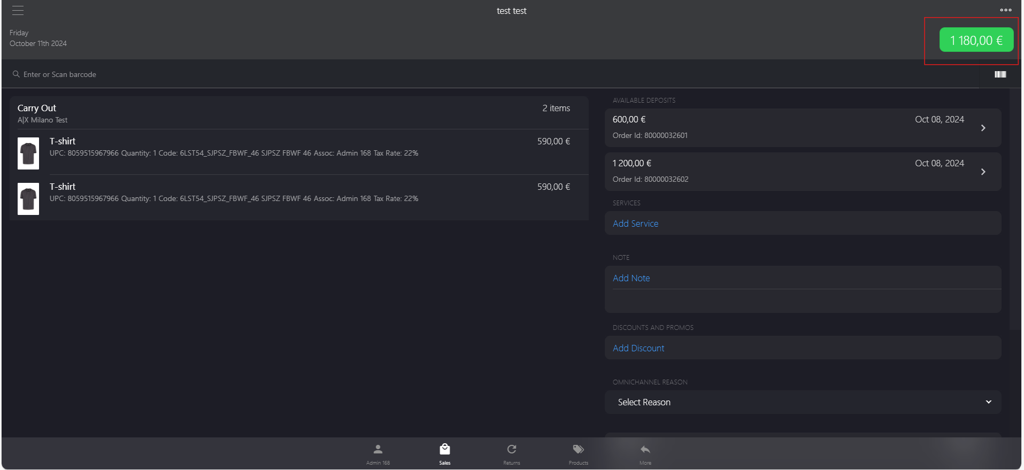
Click the green button.
-
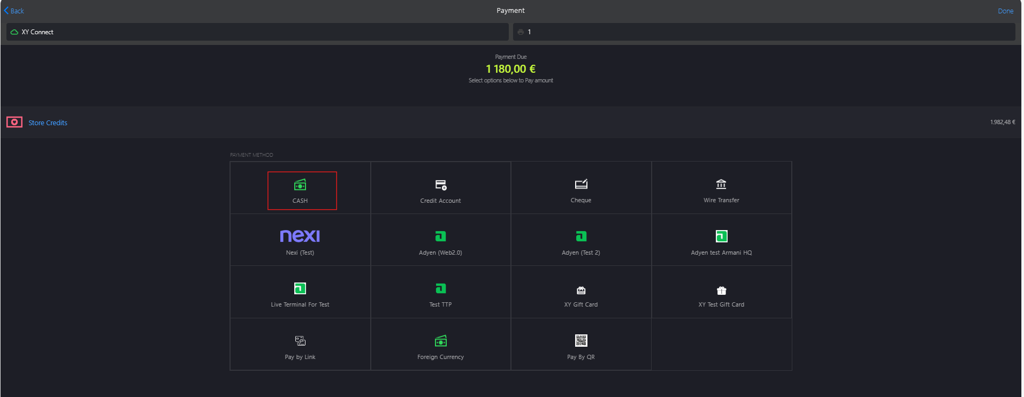
Click CASH from PAYMENT METHOD.
-
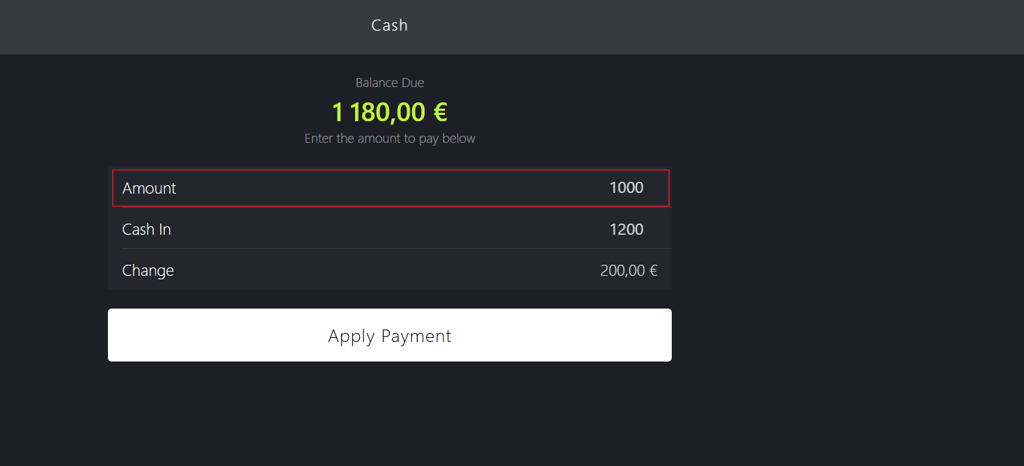
Enter Amount value to be paid in cash.
-
Enter Cash In value provided by the customer.
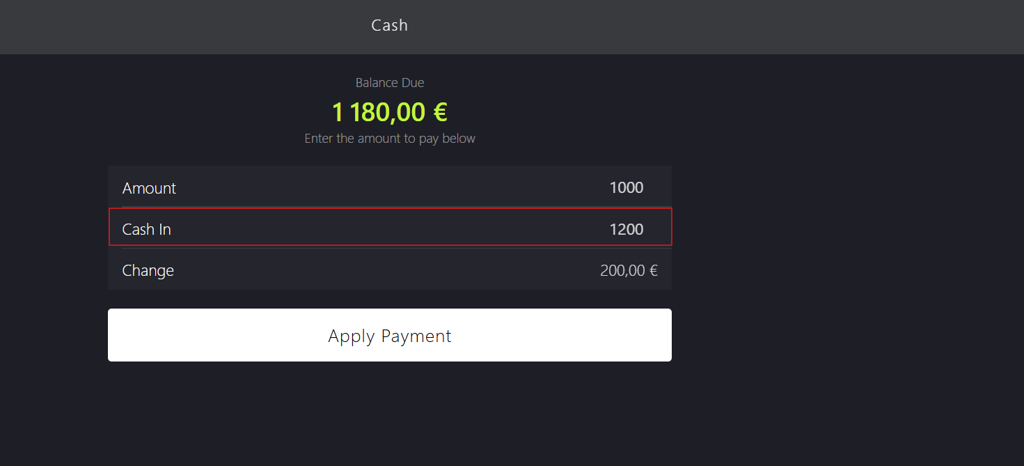
📝 POS automatically calculates Change value.
-
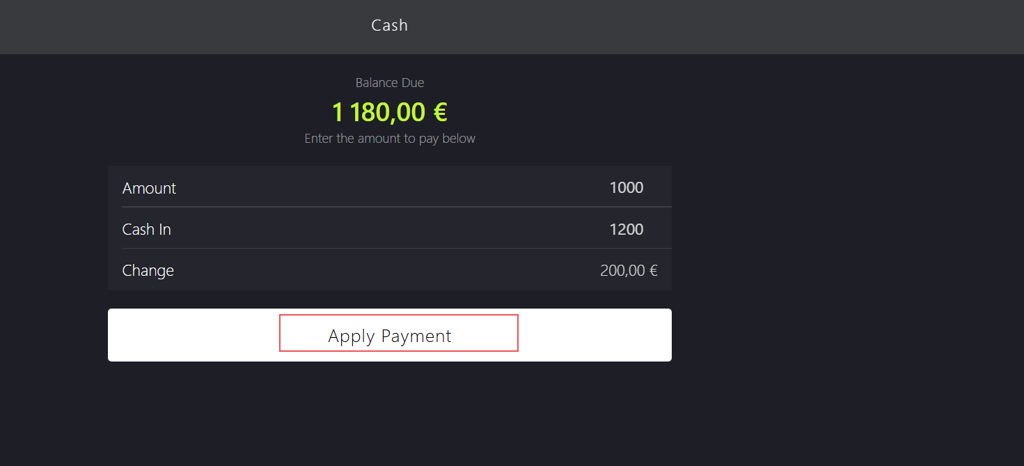
Click Apply Payment.
-
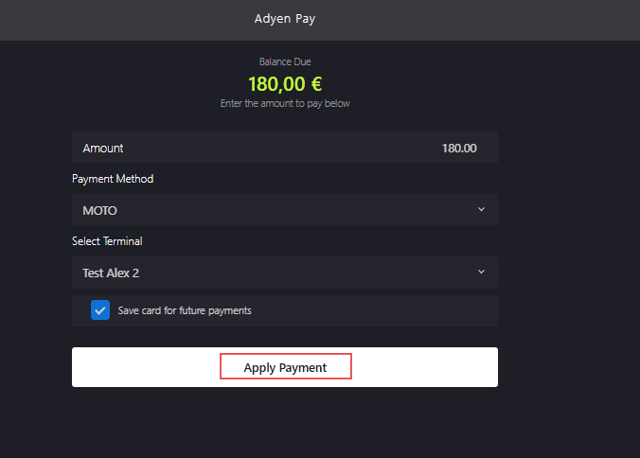
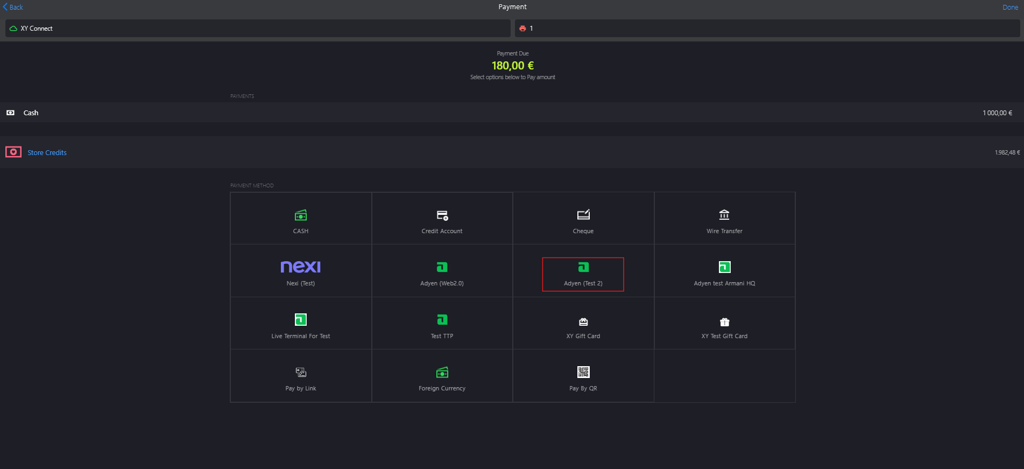
Select a preferred payment method other than CASH, for example, Adyen is selected.
-
Click Apply Payment again to close the sale.