Closing Sale with Adyen Payment
Introduction
This topic explains the procedure for closing a sale with Adyen payment.
Steps to Close a Sale with Adyen Payment
-
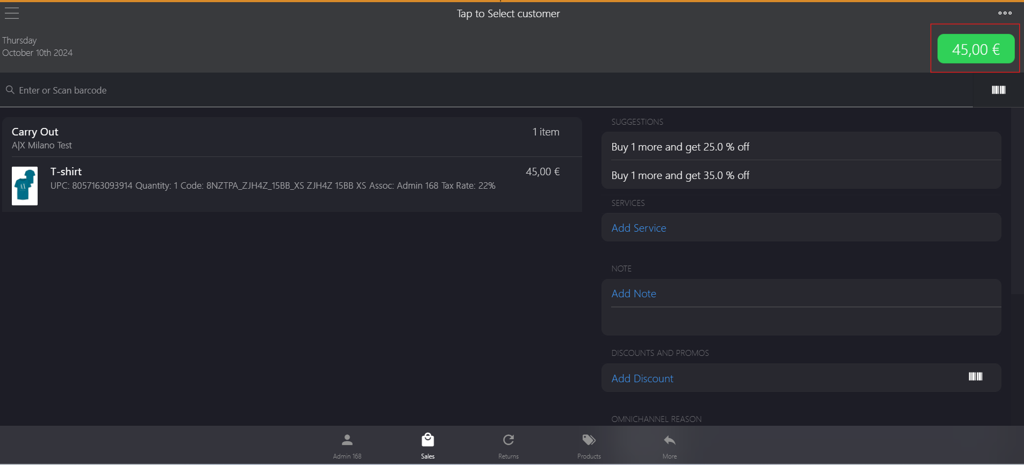
Click the green button.
-
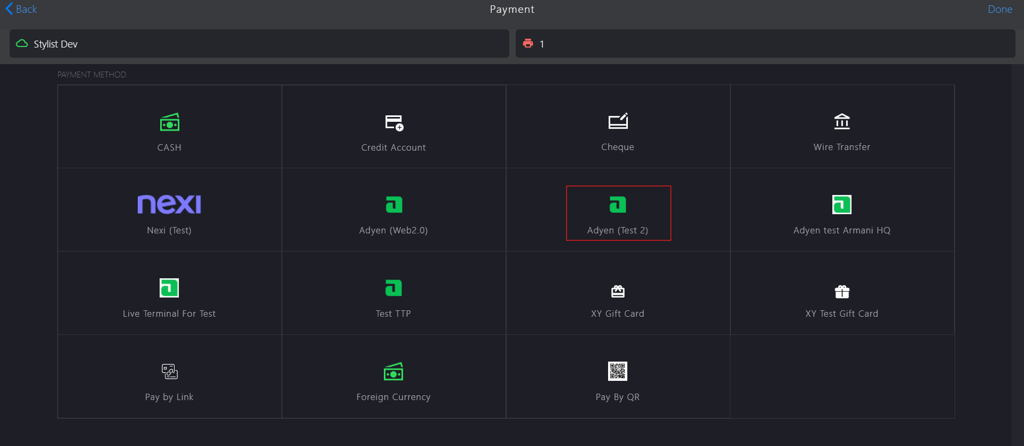
Select Adyen from the PAYMENT METHODS.
-
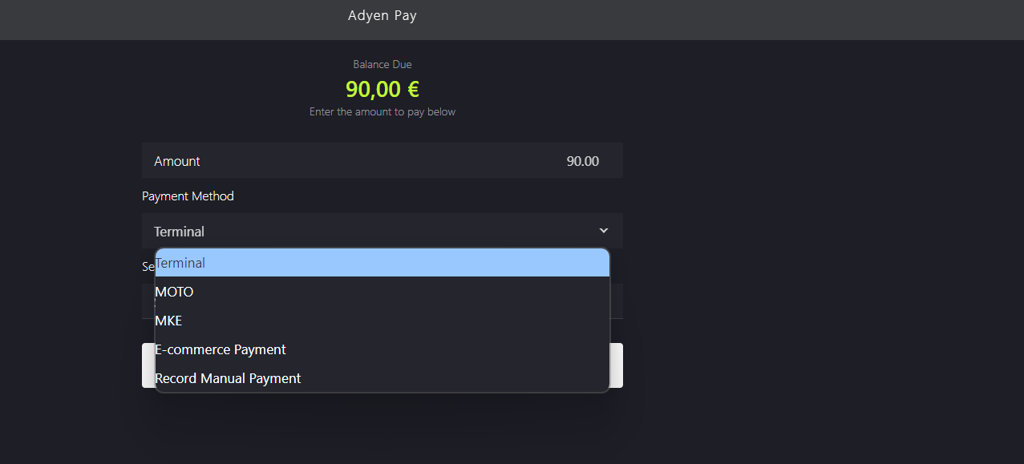
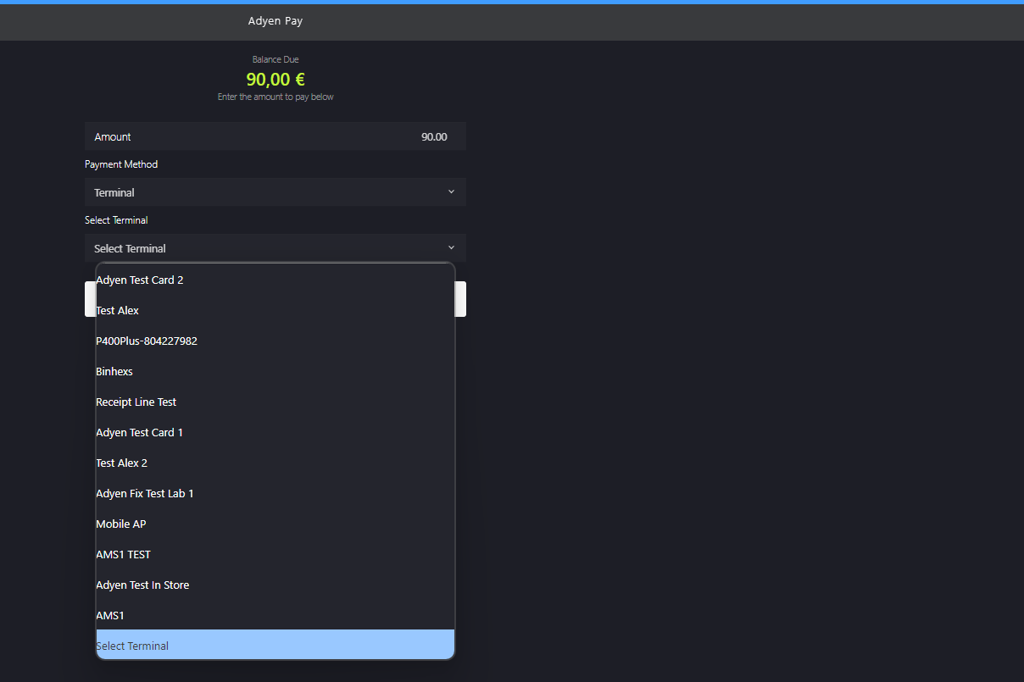
Select a Payment Method from the dropdown menu.
-
Select a Terminal from the dropdown menu.
-
Click Apply Payment.
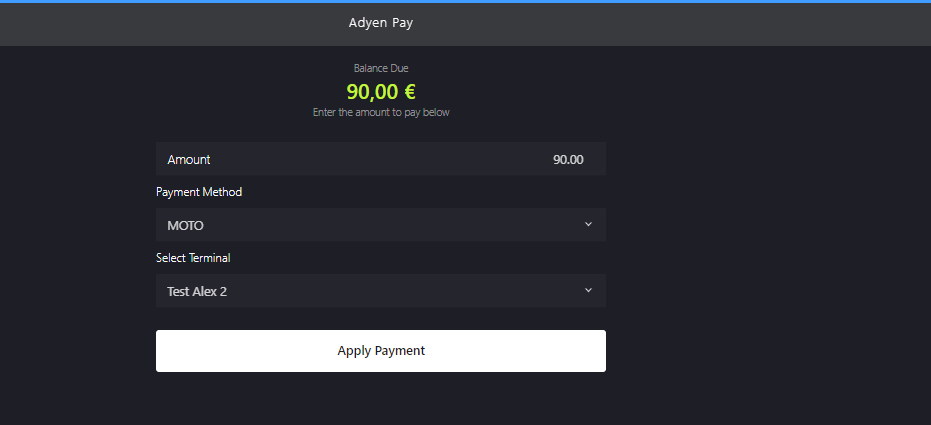
📝 A payment request is generated in the payment terminal, and the sales associate can request the customer to proceed with the payment.
-
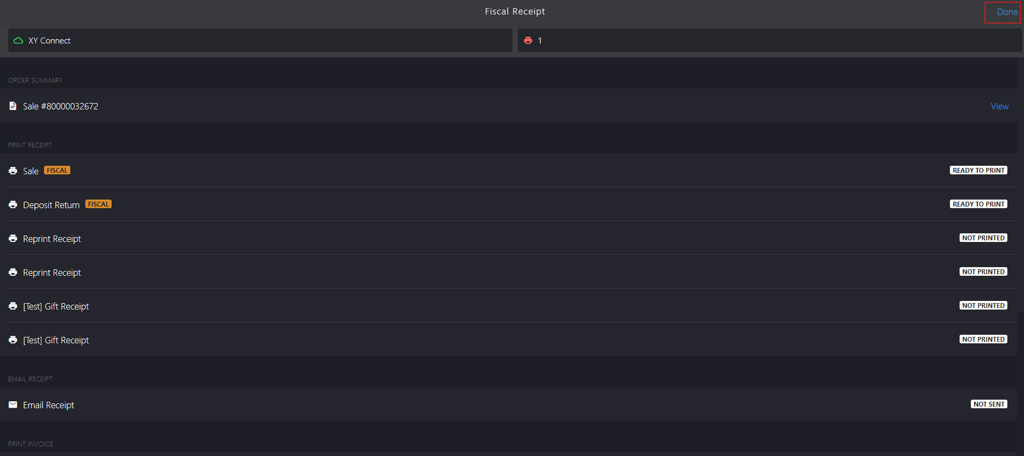
Click Done to close the sale.