Voiding a Global Blue Tax-Free Applied to a Sales Order
Introduction
This topic explains how to void a tax-free benefit that has been applied to a sales order. The voiding process ensures compliance with tax regulations.
Voiding Scenarios
Voiding a tax-free sales order is necessary in the following scenarios:
- Error in Tax-Free application, for example, incorrect customer information or incorrect eligibility criteria.
- When there is a change in the order details that invalidates the tax-free claim.
Steps to Apply Void to a Tax-Free Applied Sales Order
-
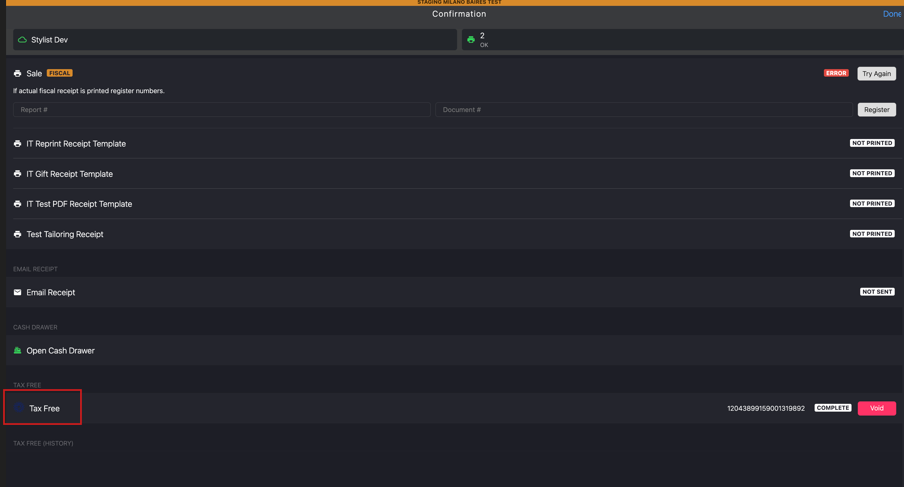
Go to TAX FREE in the Confirmation page
-
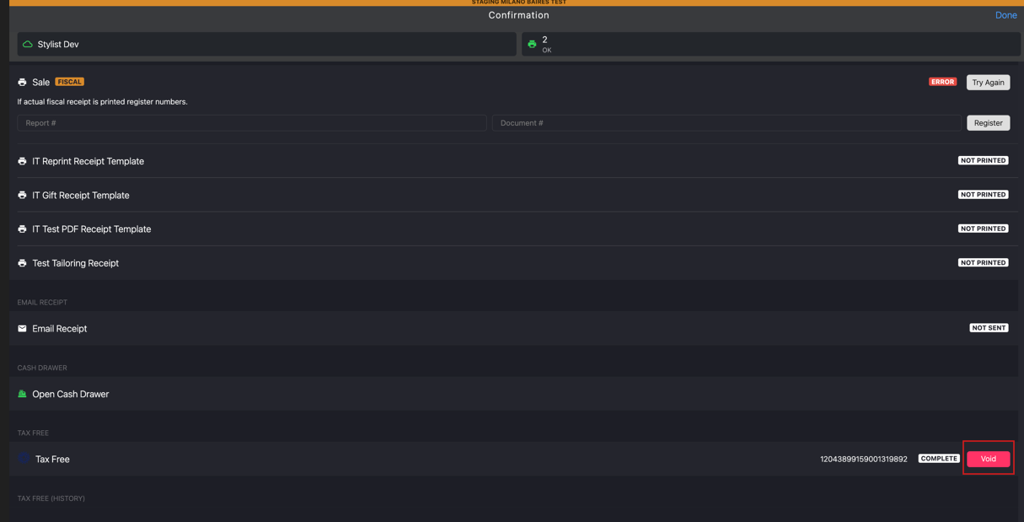
Click Void to cancel the applied tax-free.
-
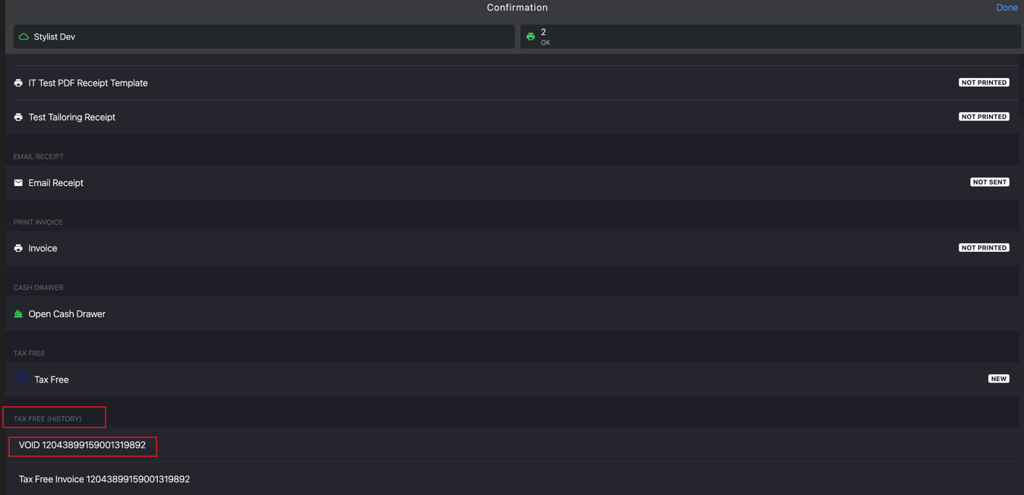
Go to Tax Free (History) to verify the generated VOID number.