Redeeming Deposit from Gift Registry Account
Introduction
This topic explains the procedure of redeeming deposits from the gift registry account.
Steps to Redeem Deposit from Gift Registry
-
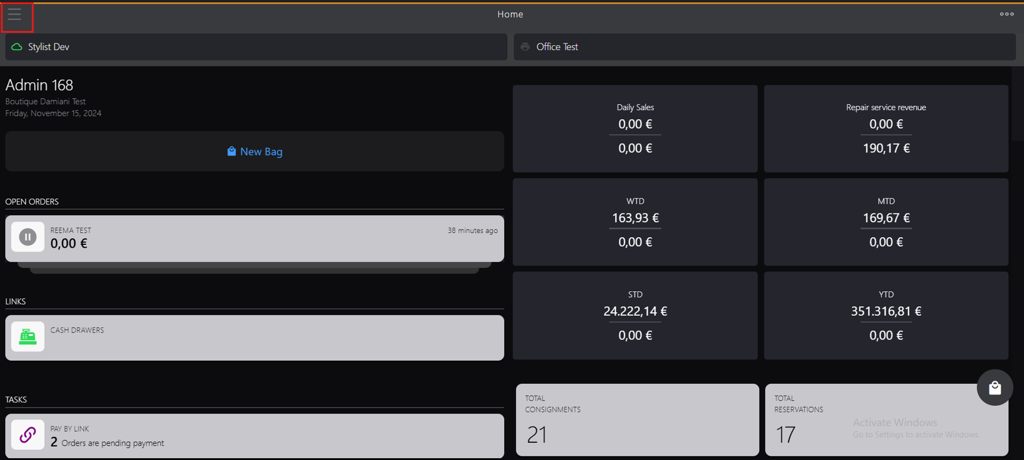
Click the burger menu.
-
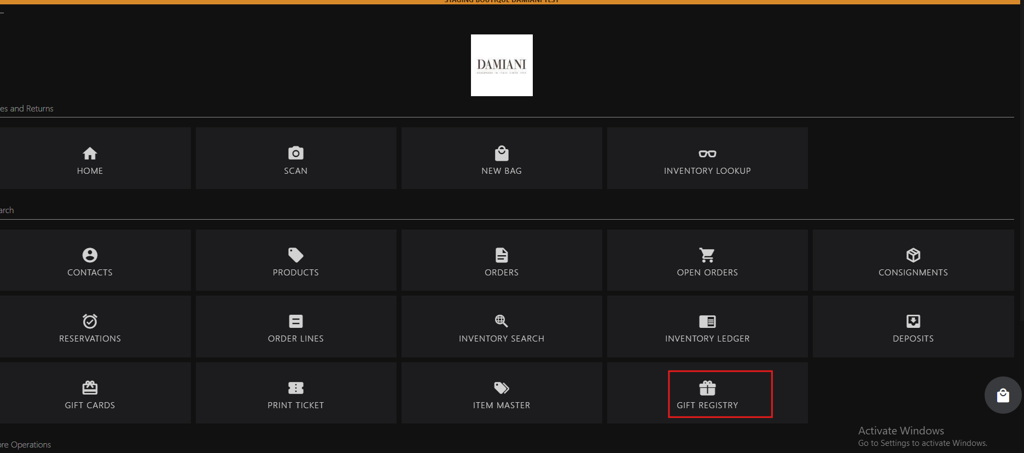
Click GIFT REGISTRY.
-
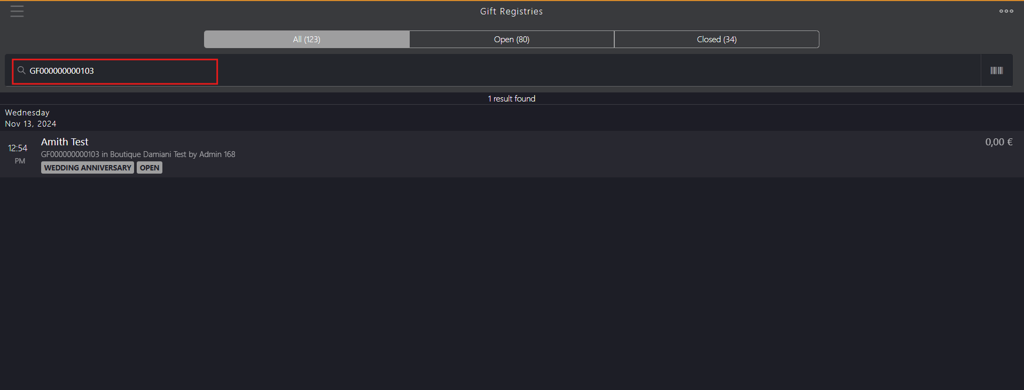
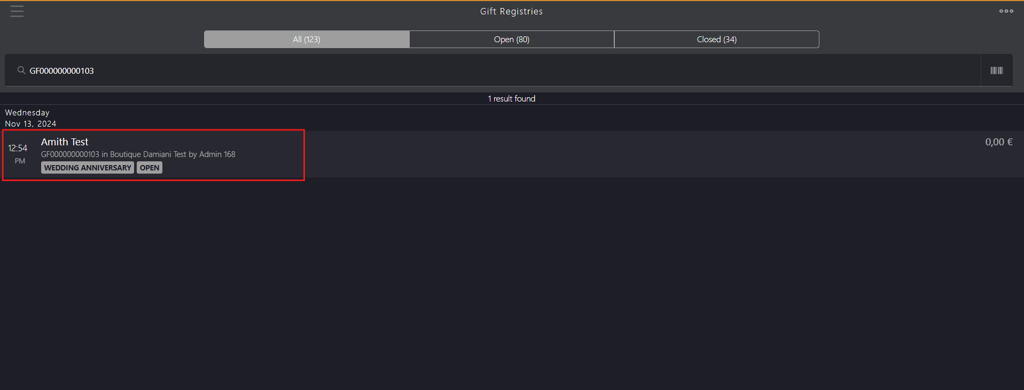
Search for the gift registry using account holder's name, gift registry id or gift registry tag in Gift Registries search box.
-
Select the name from the search result.
-
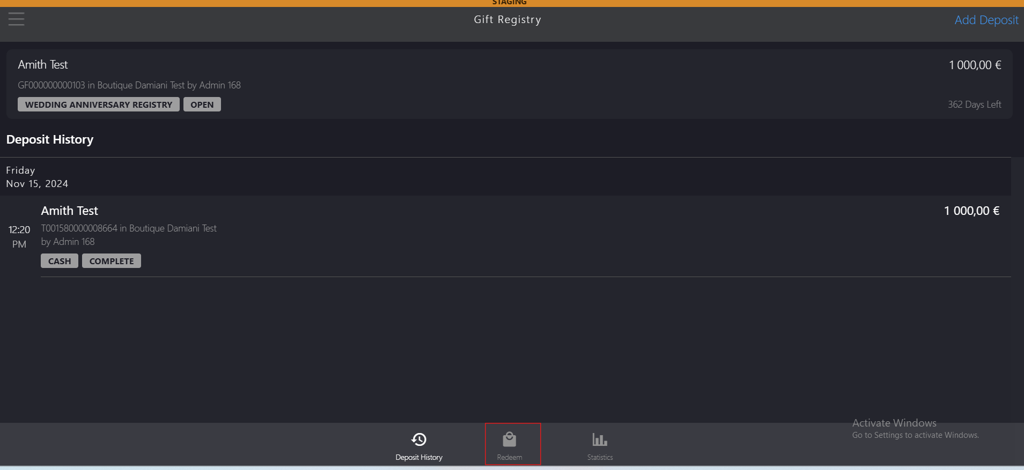
Click Redeem in the bottom bar menu.
-
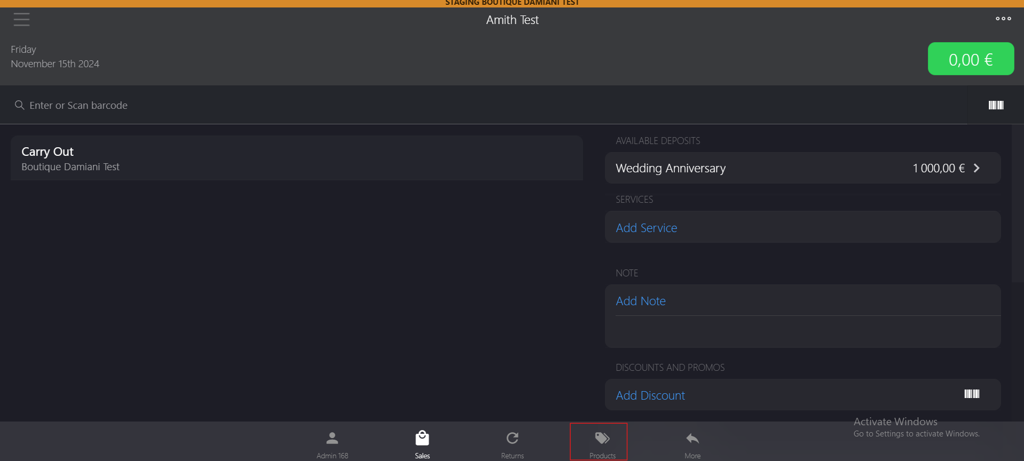
Click Products in the bottom bar menu.
-
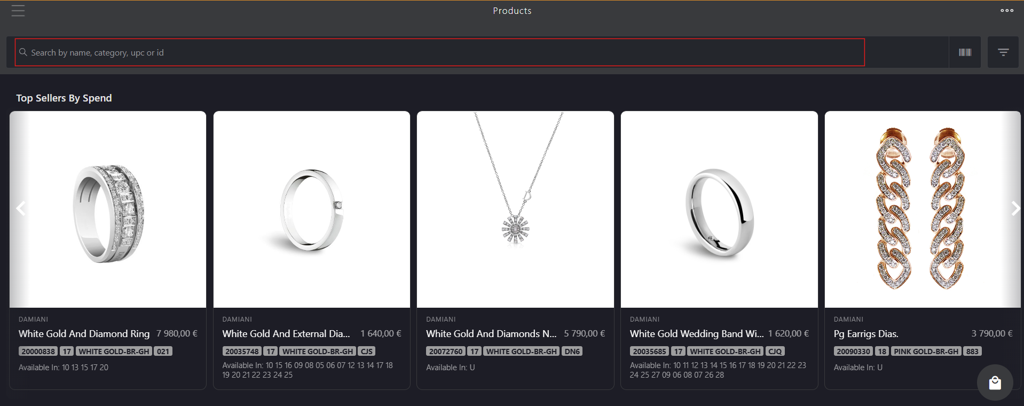
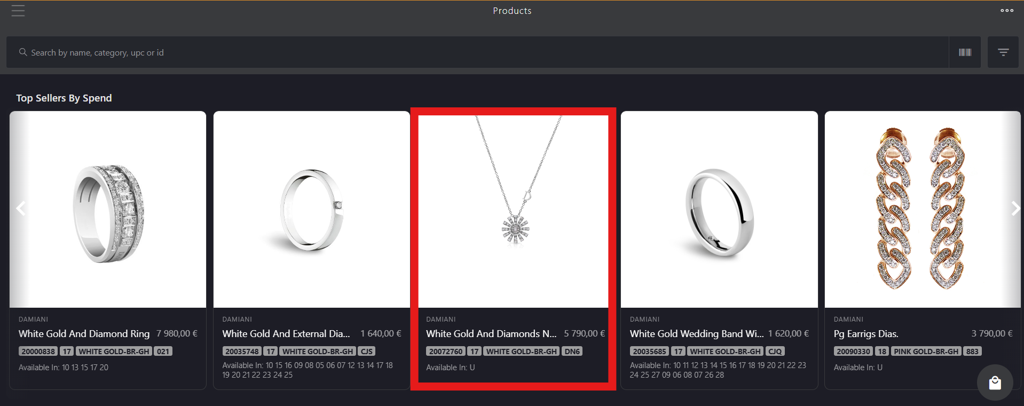
Search the product by name, category, upc, or id in Products search box.
-
Click the product image.
-
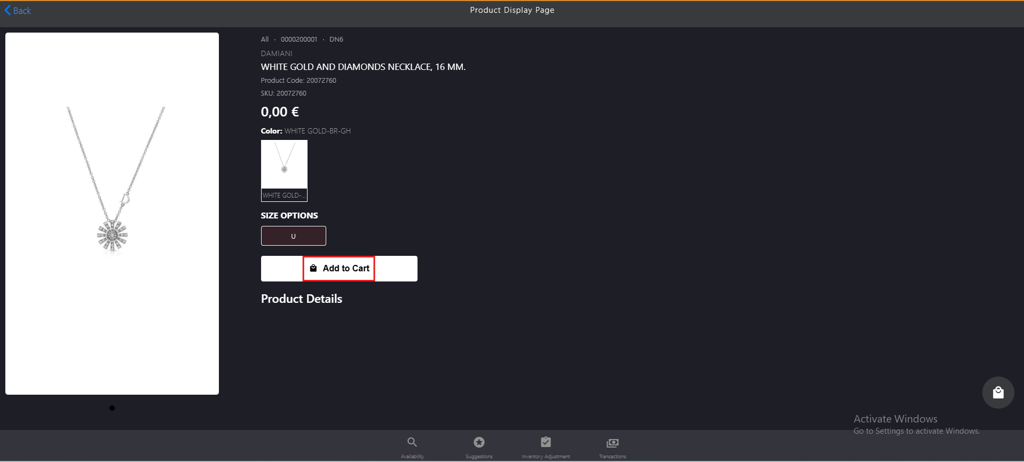
Click Add to cart on the Product Display Page.
-
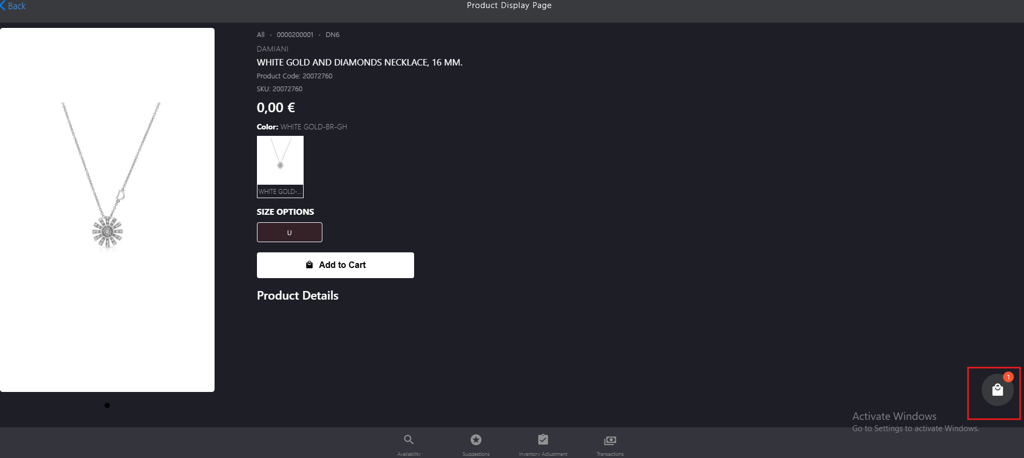
Click the bag icon.
-
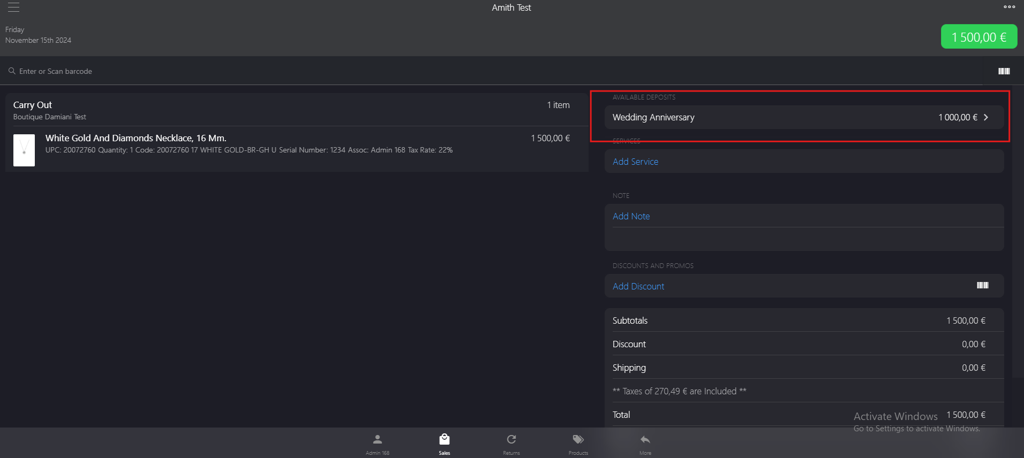
Click Available Deposits category.
-
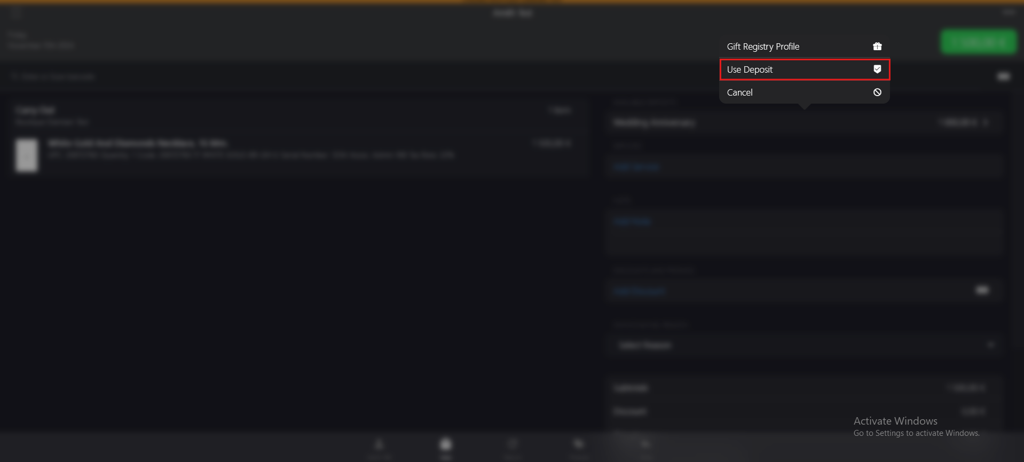
Click Use Deposit from the pop up menu.
-
Enter the deposit amount you want to redeem in the Amount field on the Partial Deposit page.

-
Click Apply.

-
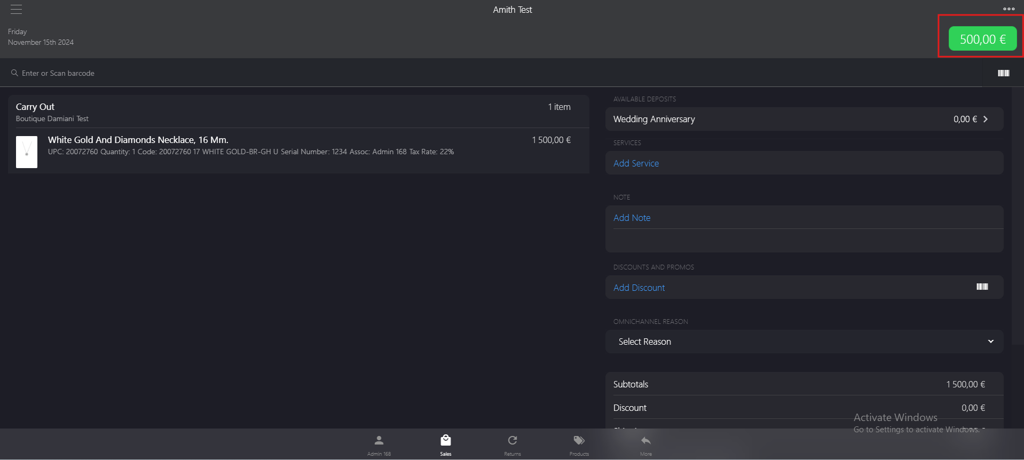
Click the green button in the upper-right corner.
-
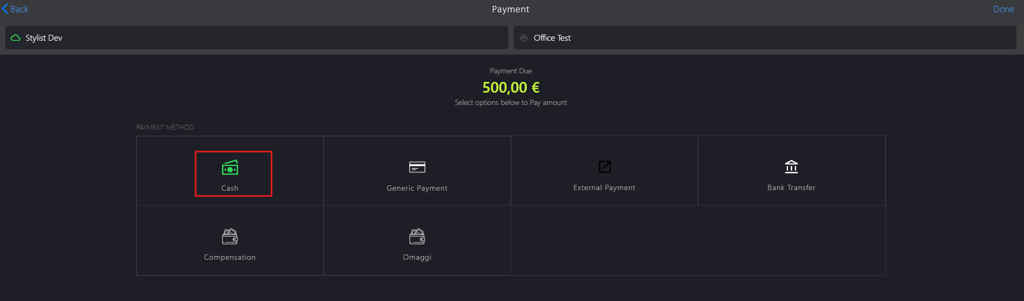
Select a PAYMENT METHOD on the Payment page, for example, Cash option.
-
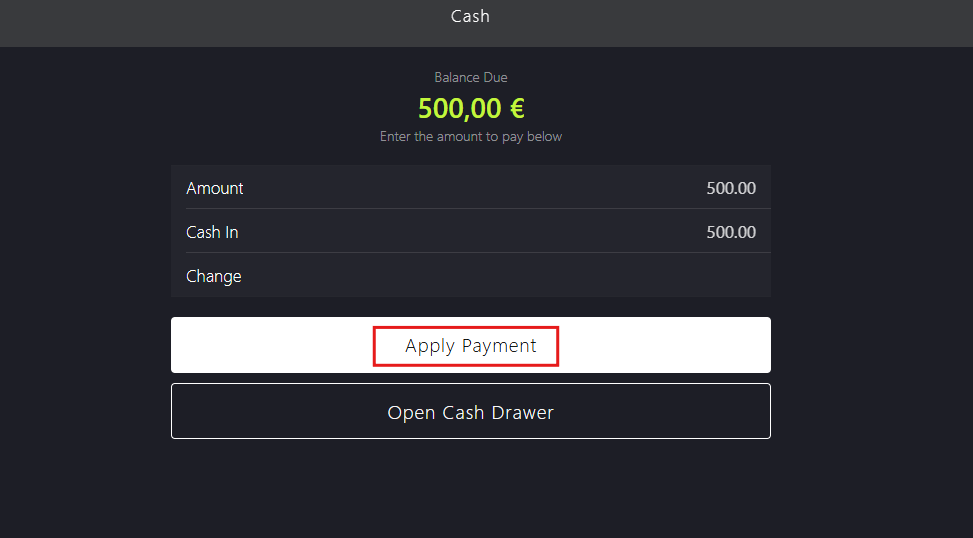
Click Apply Payment on the Cash page.
-
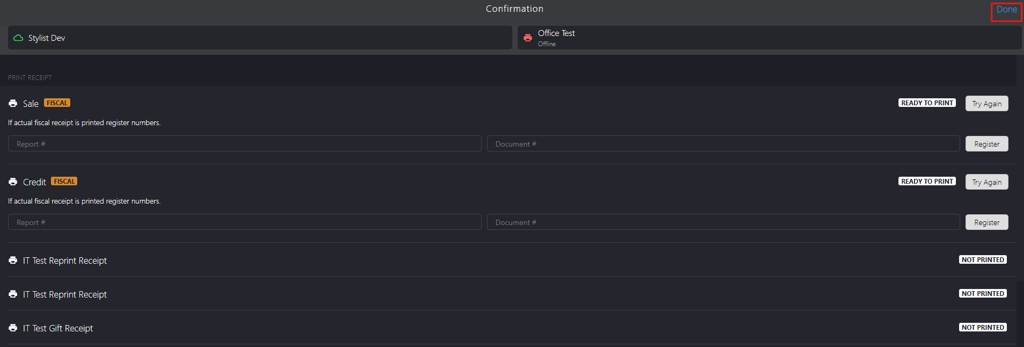
Click Done on the Confirmation page.