Creating a New Tax Profile
Introduction
This topic explains the procedure for adding a new tax profile to the new customer.
Steps to Create a New Tax Profile
-
Enter the following information in the INVOICE fields:
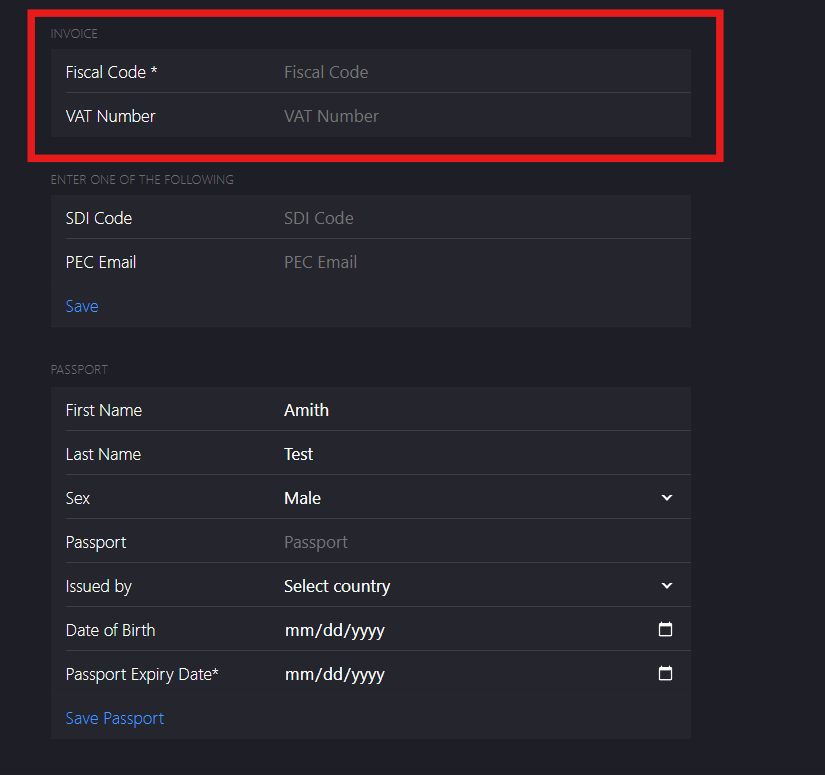
- Fiscal Code*: Enter the fiscal code.
- VAT Number: Enter the VAT number.
-
Enter one of the following information in the ENTER ONE OF THE FOLLOWING fields:
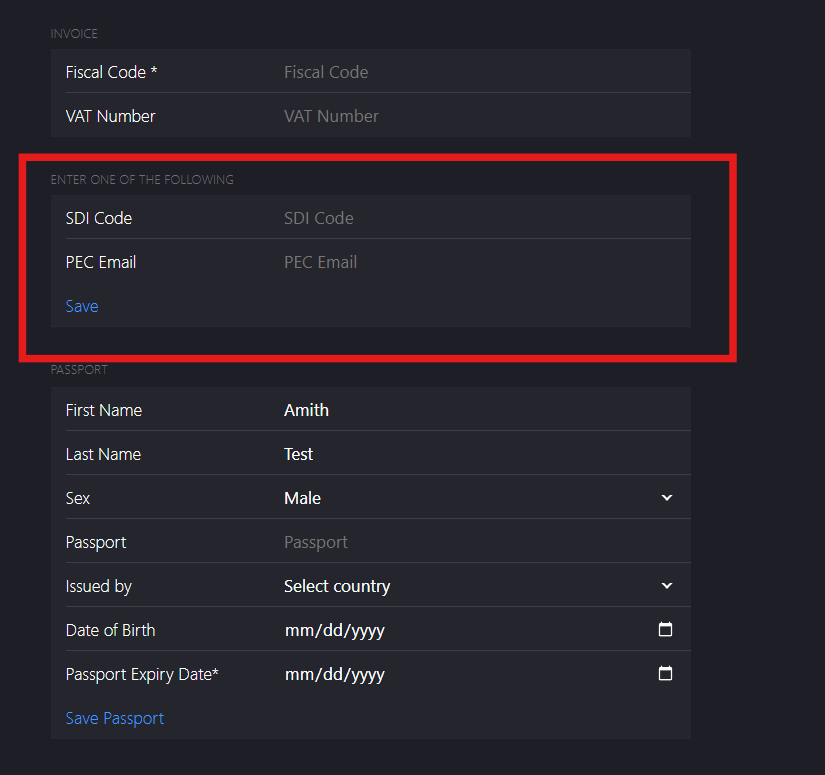
- SDI code: Enter an SDI code.
- PEC Email: Enter a PEC Email.
Note: SDI code applies to individuals or businesses registered with Italian Tax System who receives electronic invoices via Sistema di Interscambio (SDI). If the customer does not have an SDI code, they can use PEC Email. PEC Email is an alternate method for receiving electronic invoices.
-
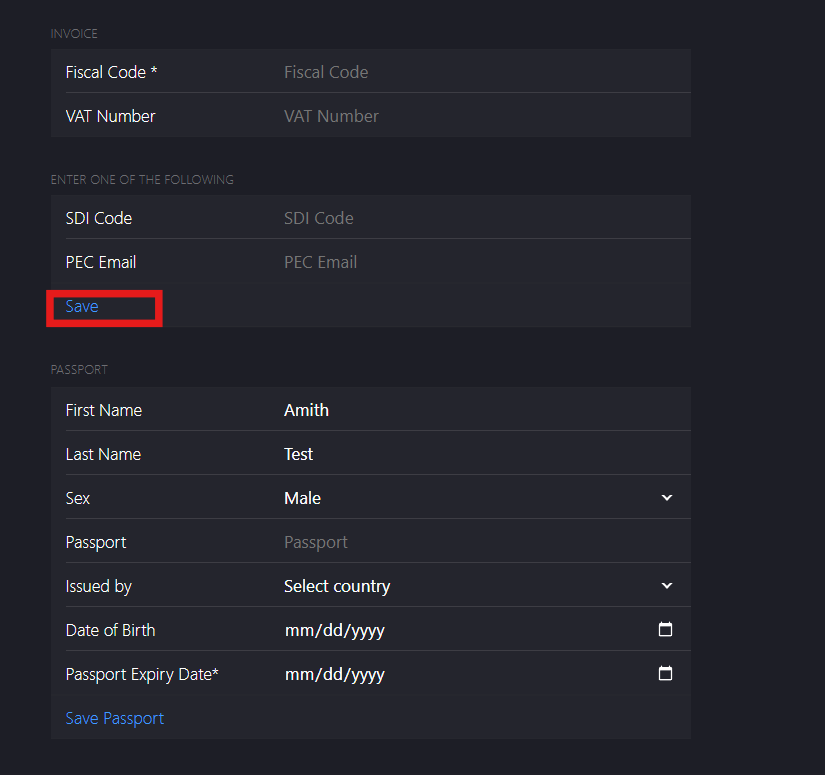
Click Save.
-
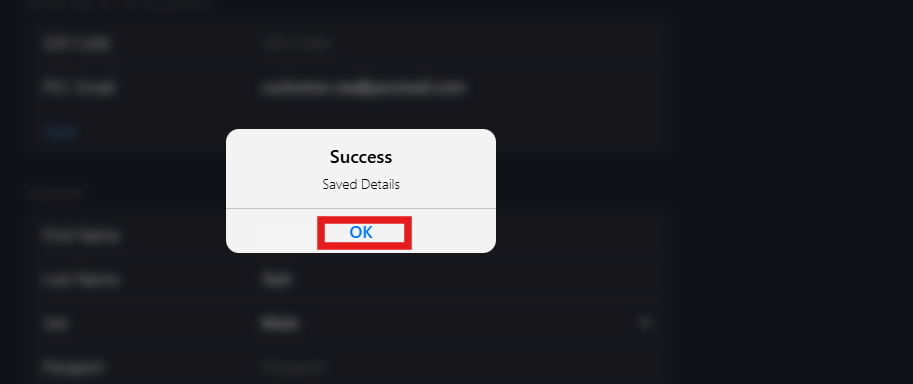
Click OK on the dialog box to save the SDI code or PEC email details.
-
Enter the following information in the PASSPORT fields:
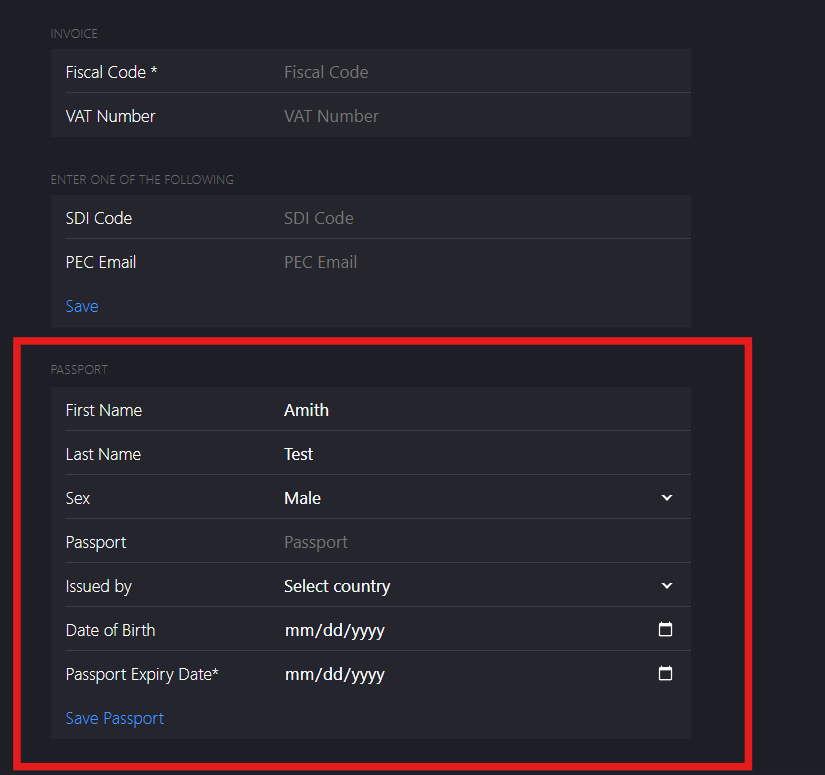
- Passport: Enter the passport number
- Issued by: Select the country from dropdown list.
- Date of Birth: Enter the date of birth in mm/dd/yy format.
- Passport Expiry Date*: Enter the expiry date in mm/dd/yy format.
-
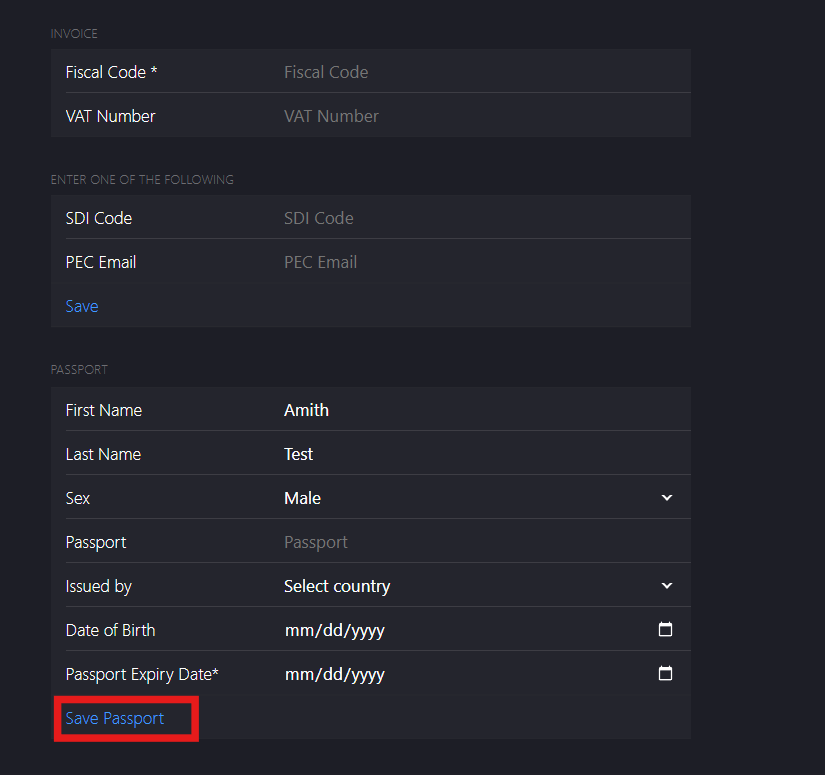
Click Save Passport.
-
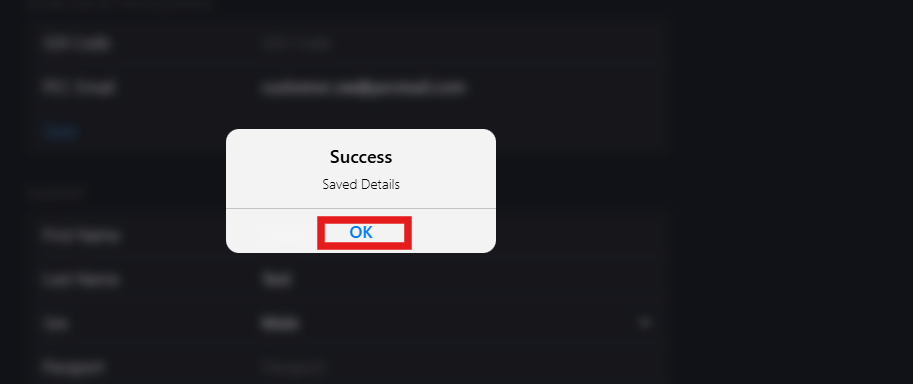
Click OK on the dialog box to save the passport details.
-
Click Next to go to Customer Profile page.