Creating a New Customer Profile
Introduction
This topic explains the procedure for creating a new profile for a customer.
Steps to Create a New Customer Profile
-
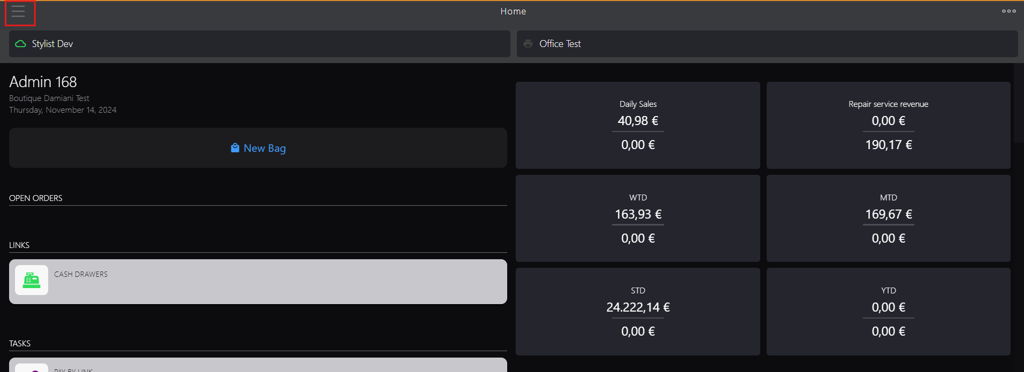
Click the burger menu.
-
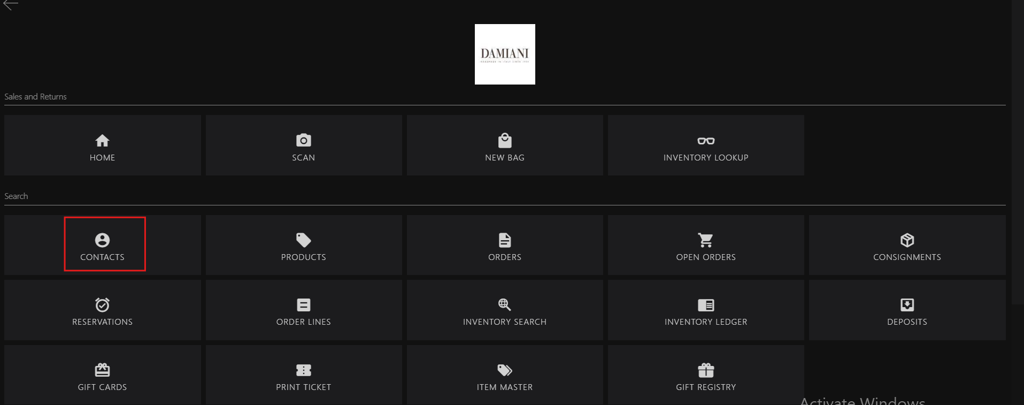
Click Contacts.
-
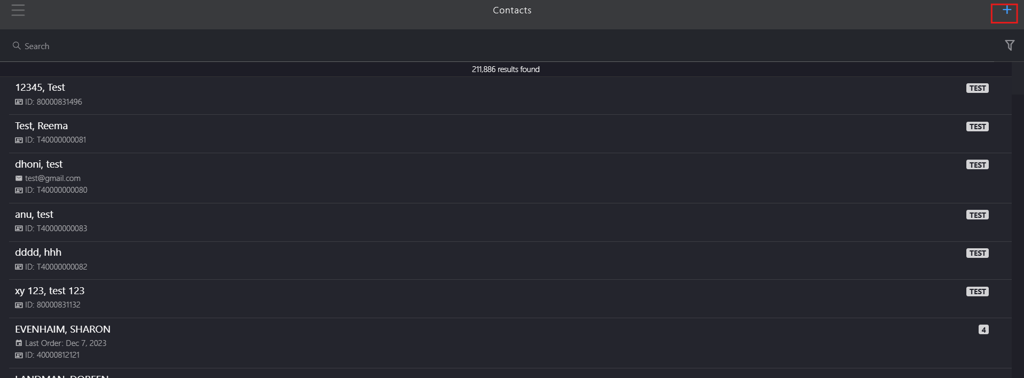
Click the Add icon.
-
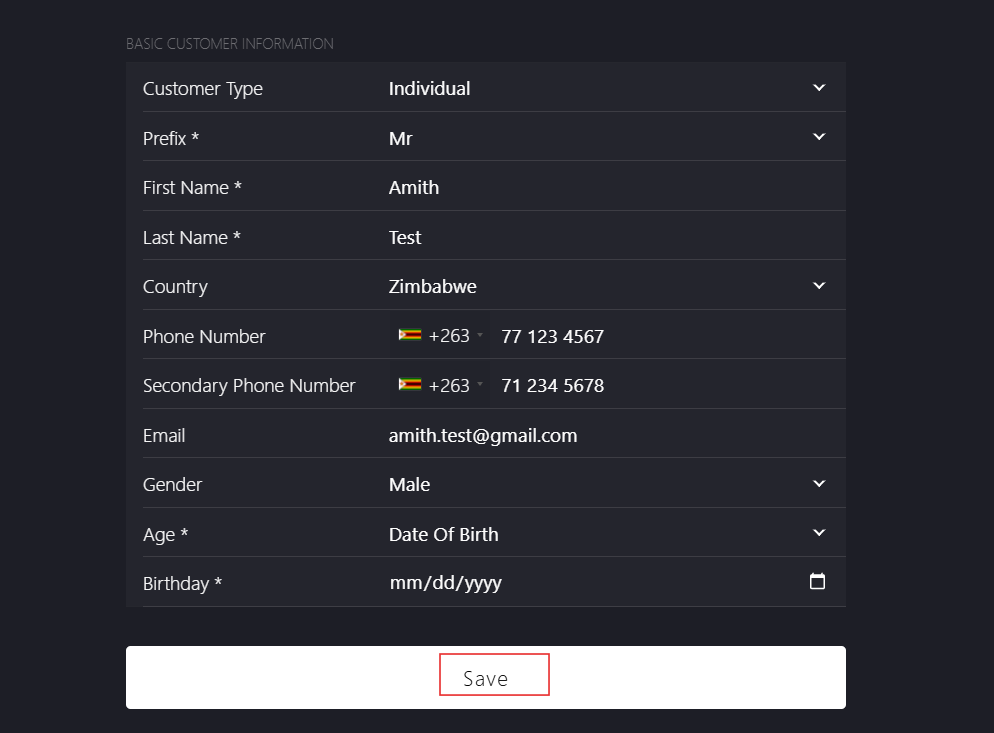
Select Customer Type from dropdown list:
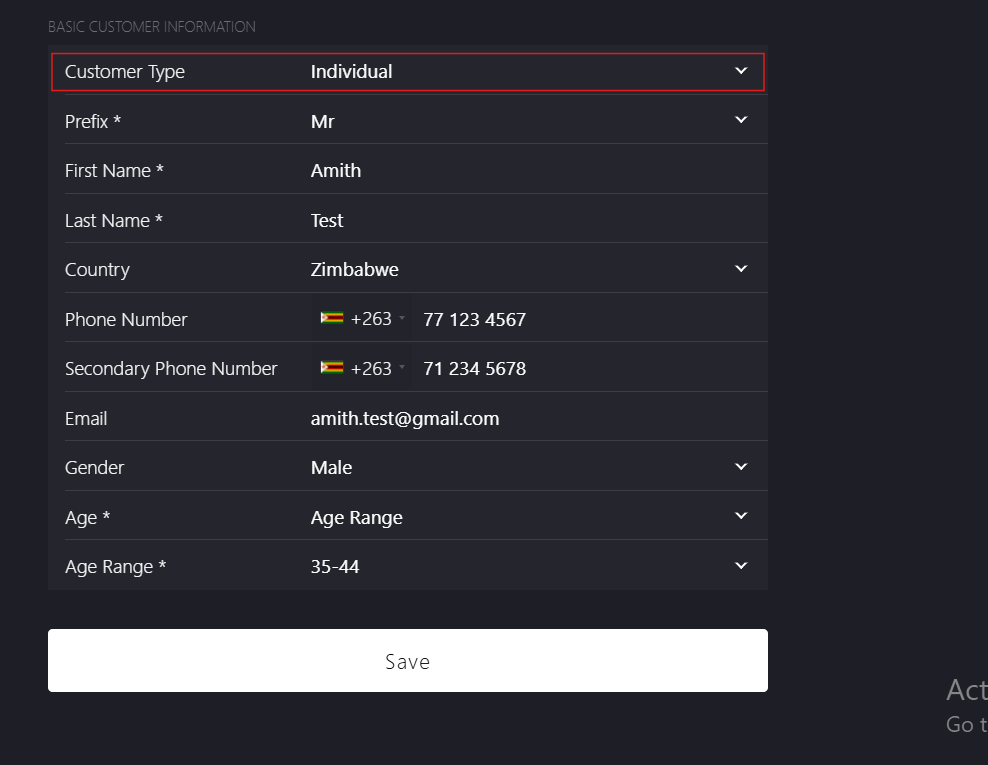
- Individual
- Business
-
Enter customer details:
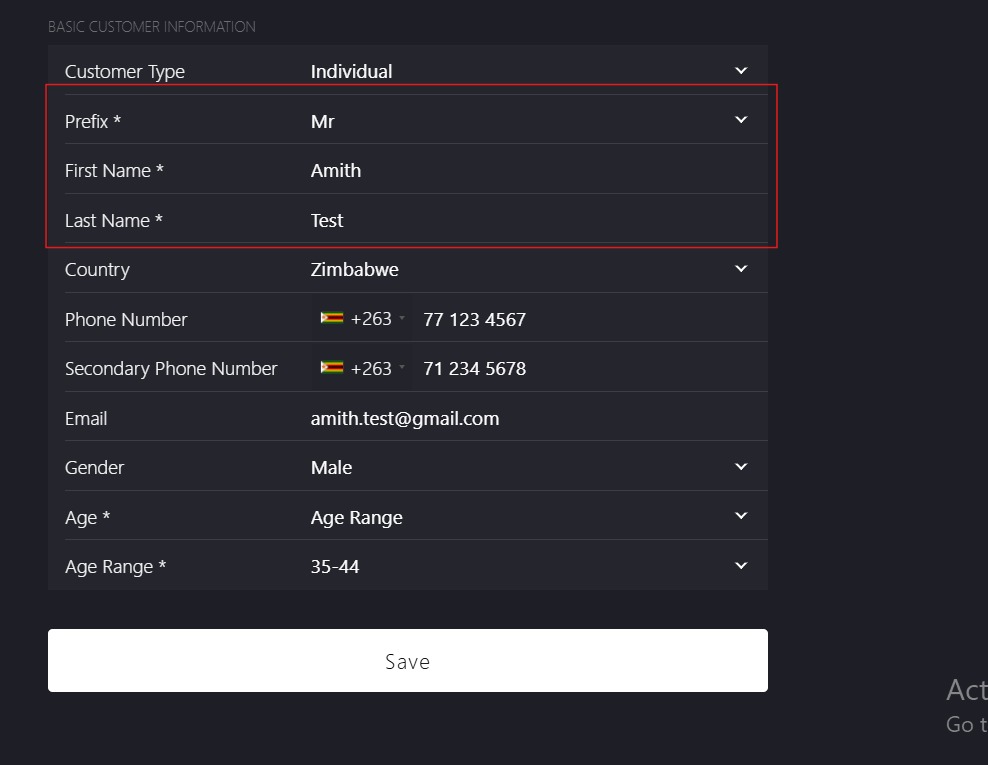
- Prefix*: Select the appropriate title from Select Prefix dropdown list.
- First Name*: Enter the customer's first name.
- Last Name*: Enter the customer's last name.
-
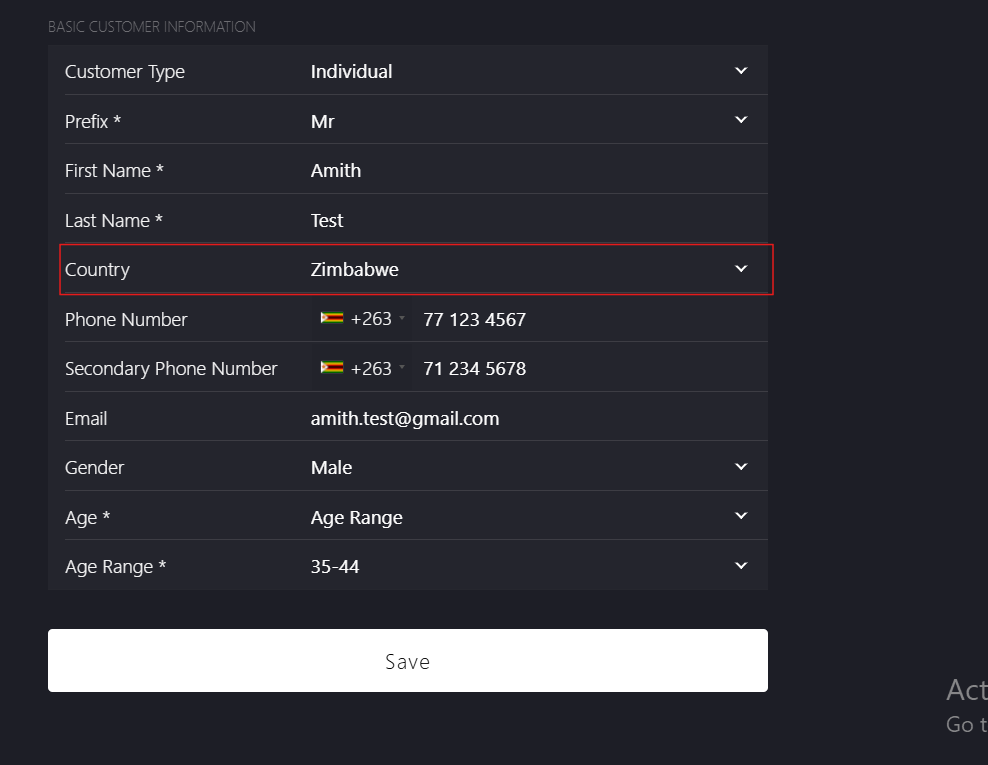
Country*: Select the customer's country from dropdown list.
-
Enter phone number:
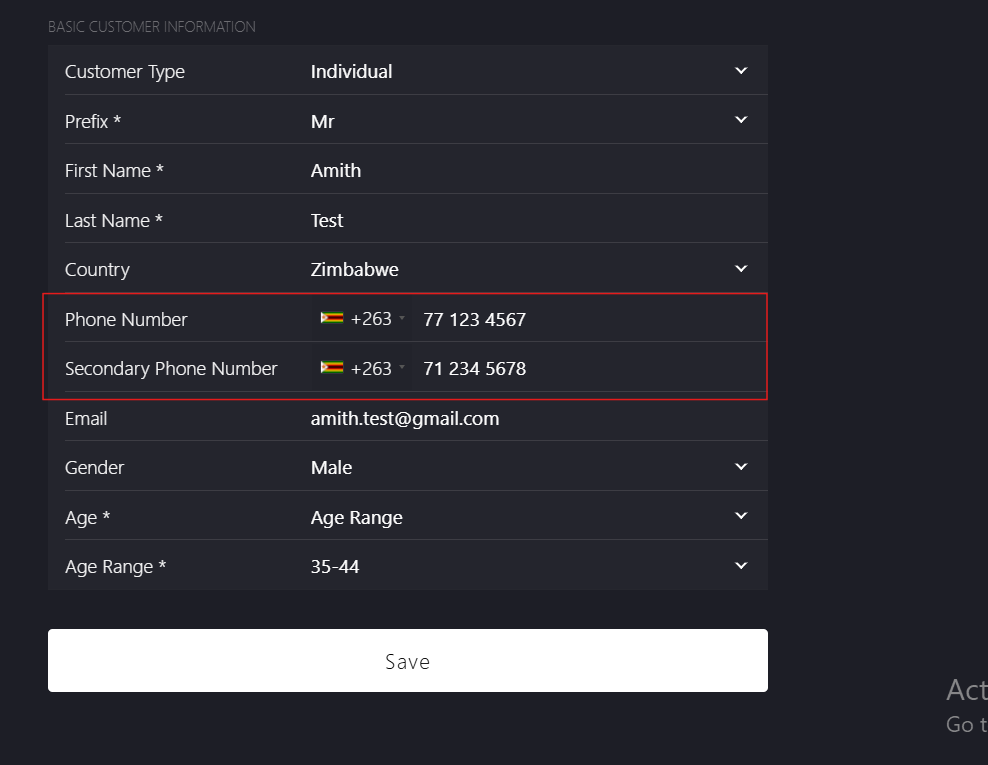
- Phone Number: Select country code from dropdown list and enter the primary contact number.
- Secondary Phone Number (Optional): Select country code from dropdown list and enter the secondary contact number.
-
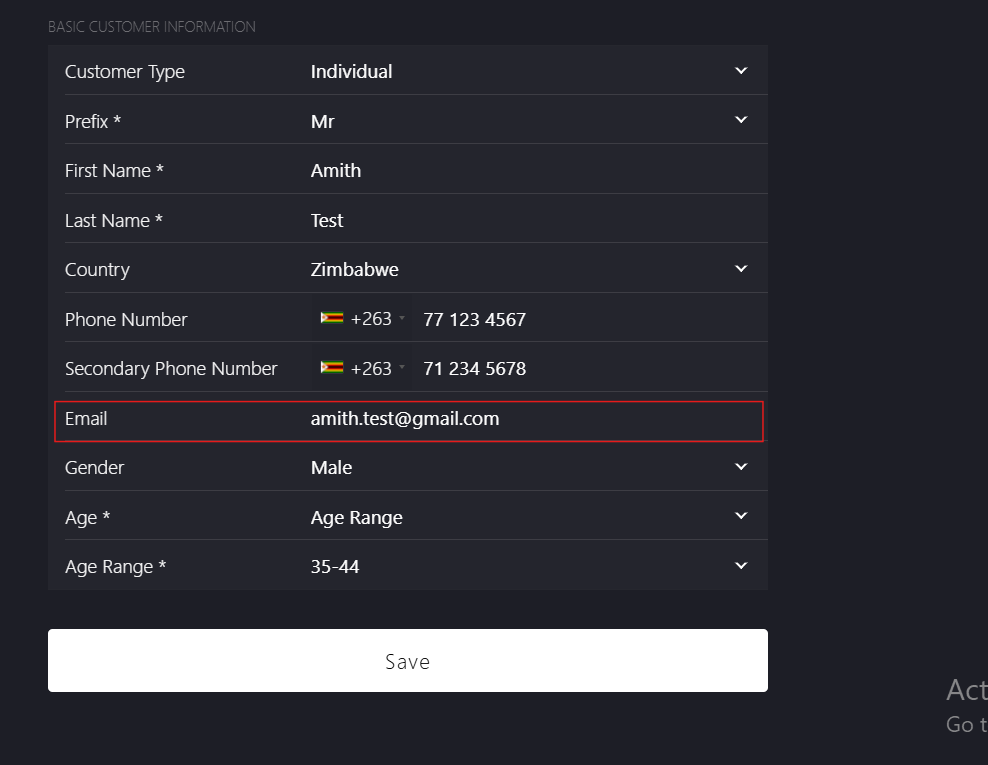
Email: Enter the customer email address.
-
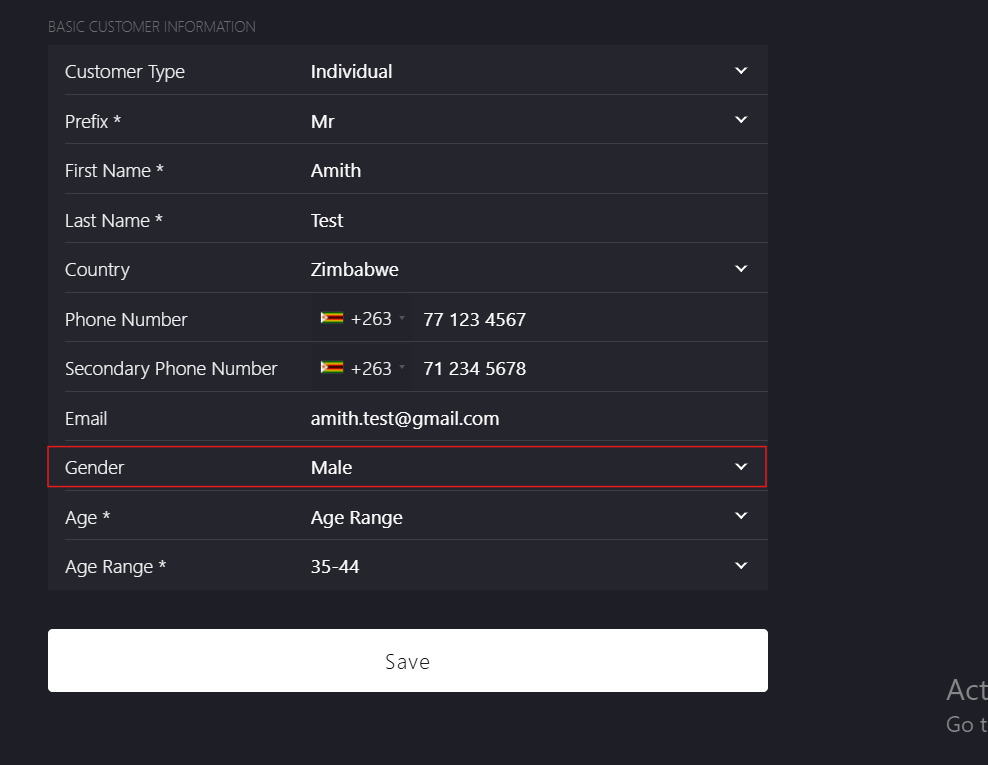
Gender: Select gender from dropdown list.
-
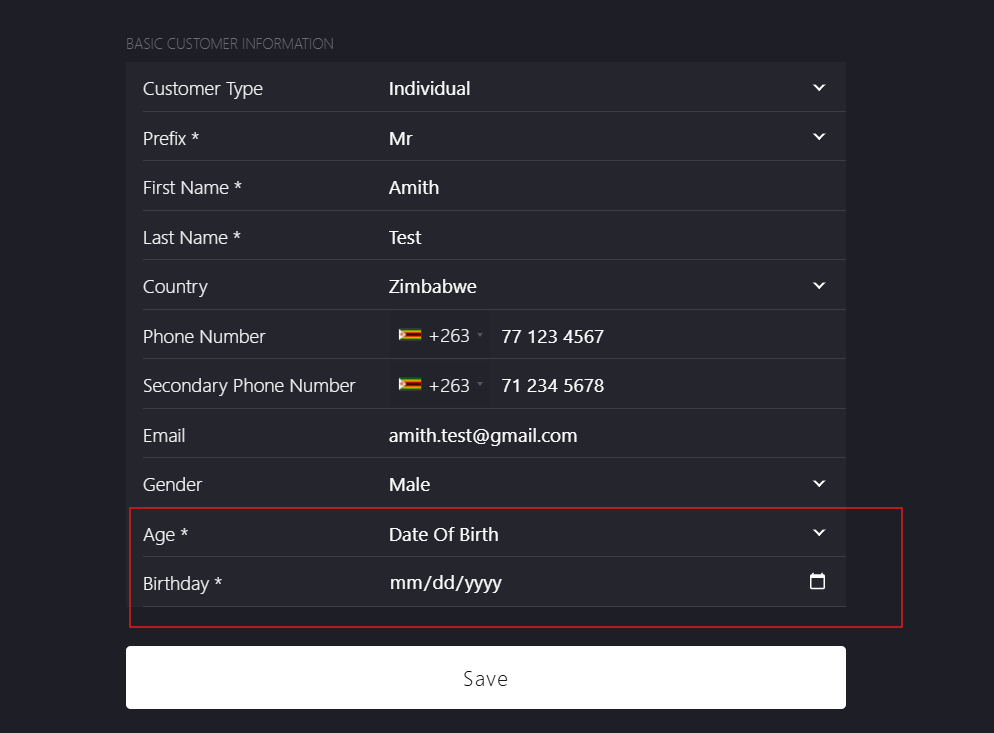
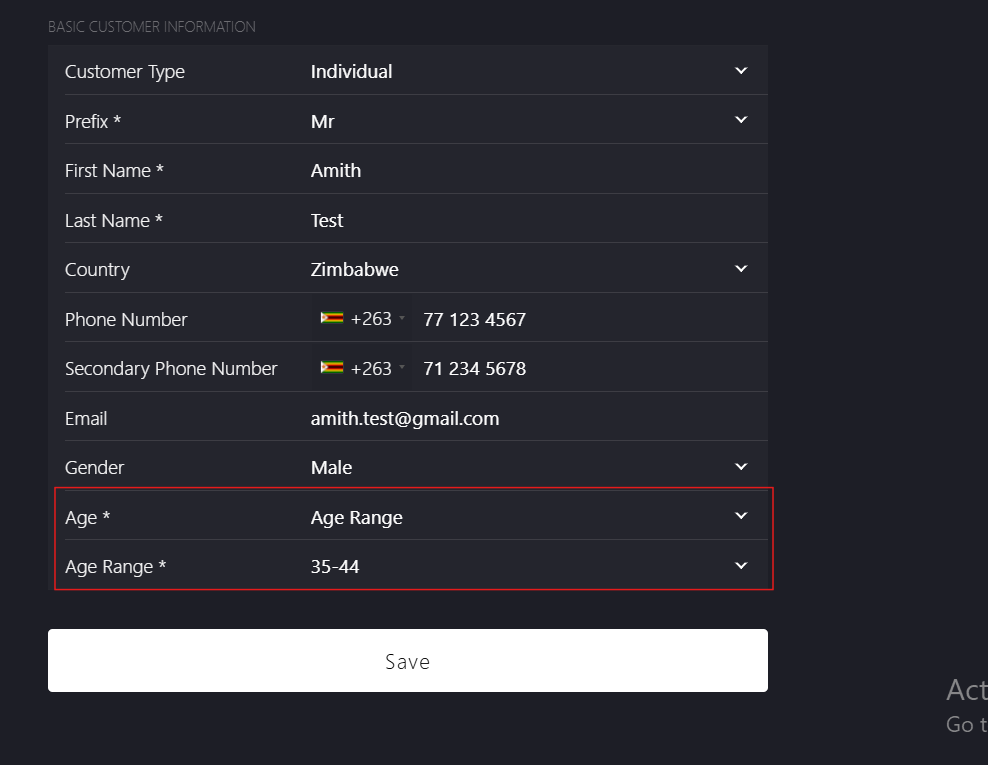
Select Age* type from dropdown list:
- Date of Birth:
-
Birthday*: Enter the customer's date of birth manually using calendar icon in mm/dd/yyyy format.
-
- Age Range:
-
Age Range*: Select the customer's age range from the dropdown list.
-
- Date of Birth:
-
Click Save to complete the customer profile creation and navigate to Customer Address page.