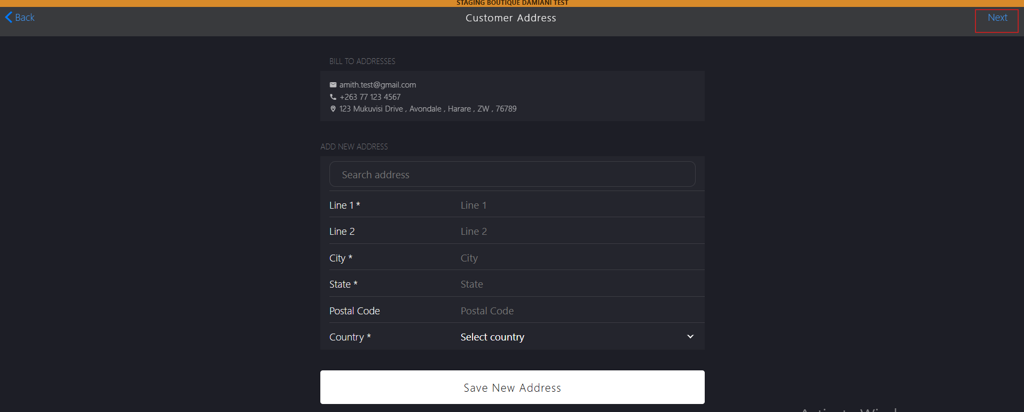
Creating a New Address
Introduction
This topic explains the procedure for adding customer’s address, after saving the customer profile.
Steps to Create a New Address
-
If the city, state or country of customer address exists, use the search box to auto-fill respective ADD NEW ADDRESS section fields (optional).
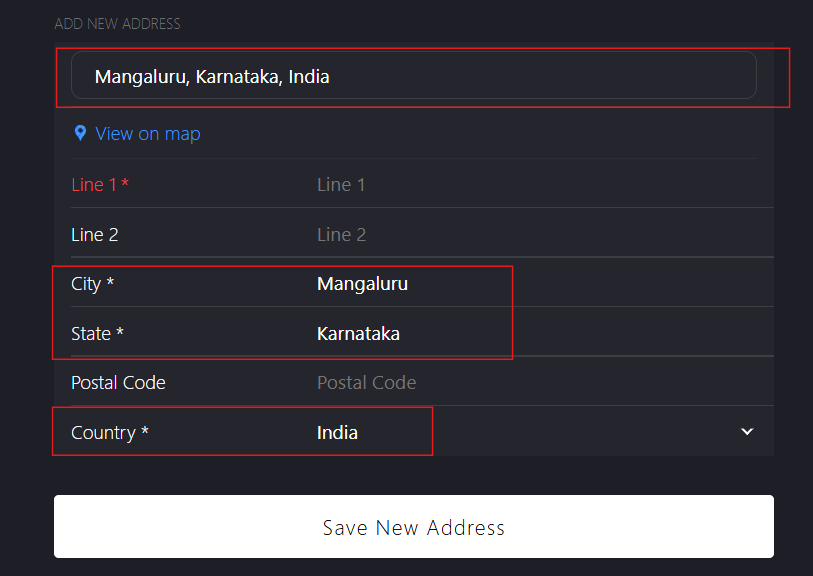
Note: Click View on map to display satellite view of the provided address.
-
Enter the address Information in the following fields:
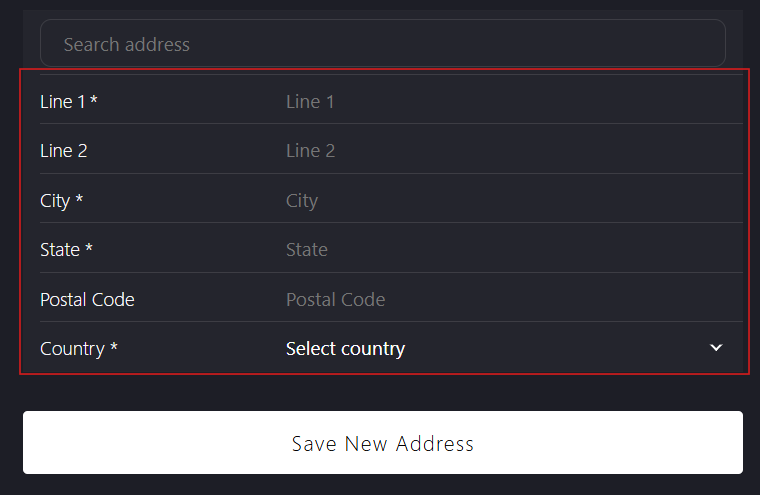
- Line 1*: Enter the primary address details, such as house number, street name and number.
- Line 2: Enter the additional address details (optional).
- City*: Enter the city name.
- State*: Enter the state name.
- Postal Code: Enter the postal code.
- Country*: Select the country from the dropdown list.
-
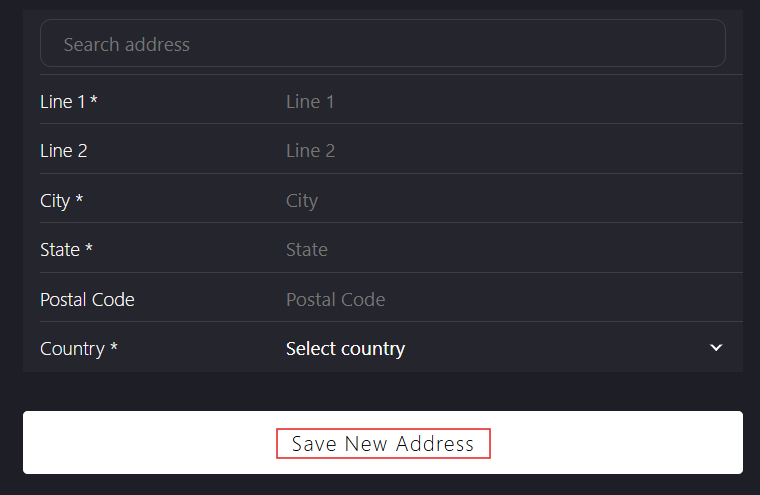
Click Save New Address to save the address.
-
Click Next to go to TAX Profile.