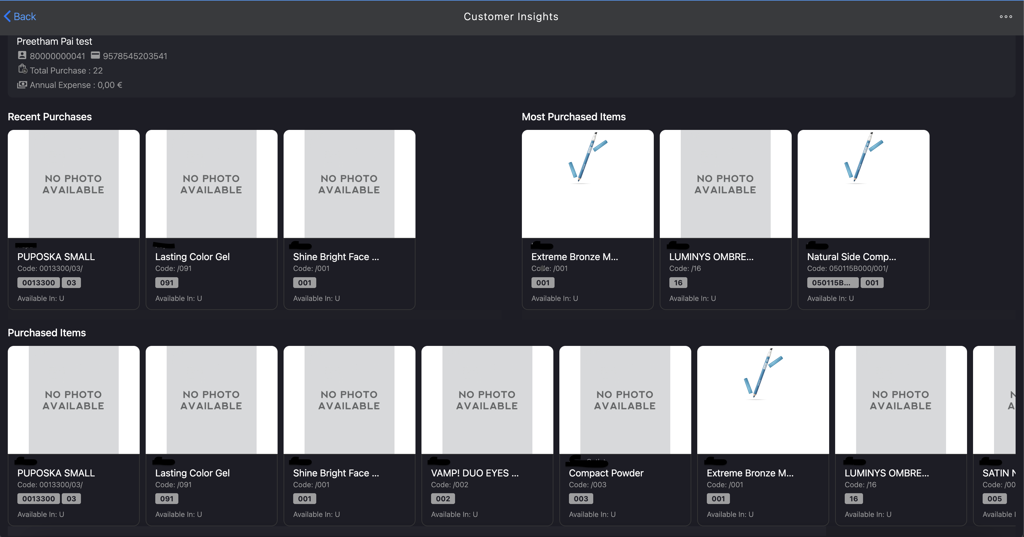
Accessing the Customer Insights
Introduction
This topic explains the procedure to how to access the Customer Insights page.
Steps to Access Customer Insight
-
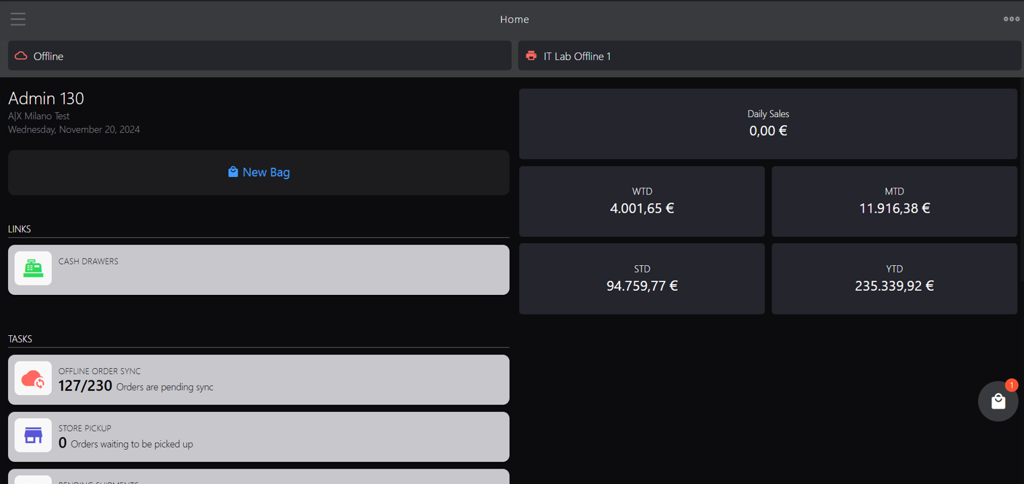
Click the burger menu.
-
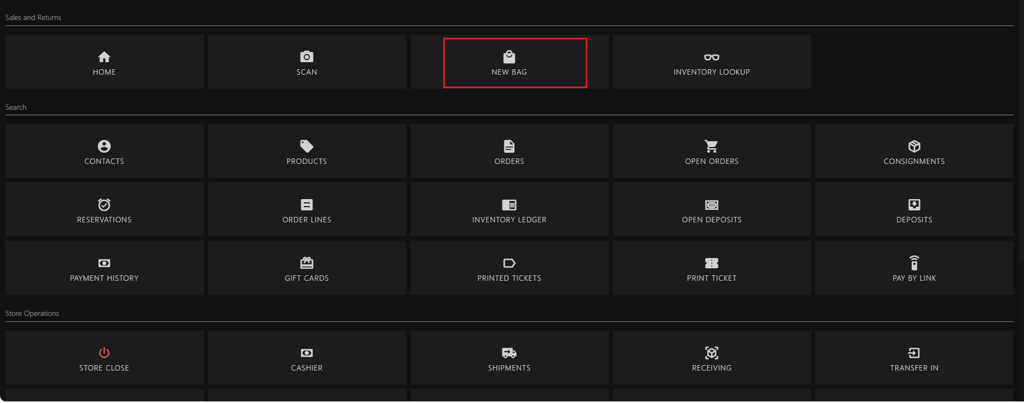
Click NEW BAG.
-
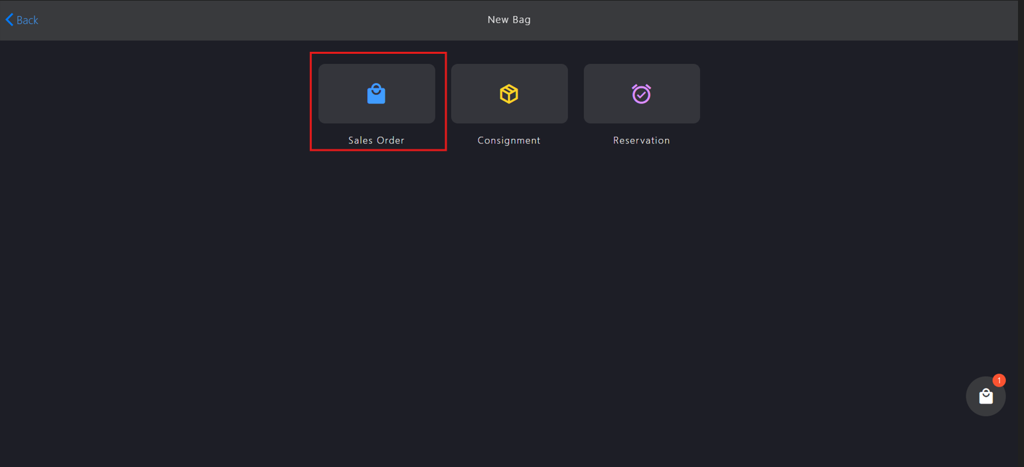
Click Sales Order.
-
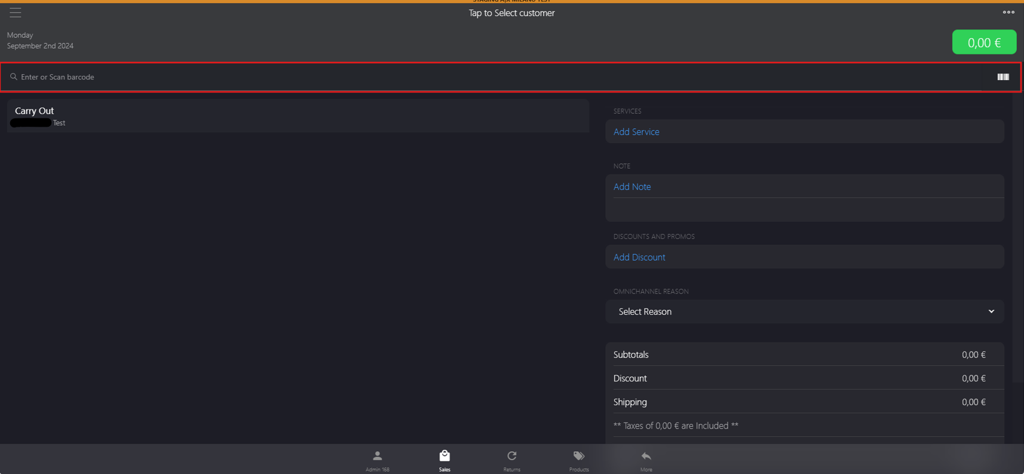
Go to Enter or Scan barcode box to add the products.
-
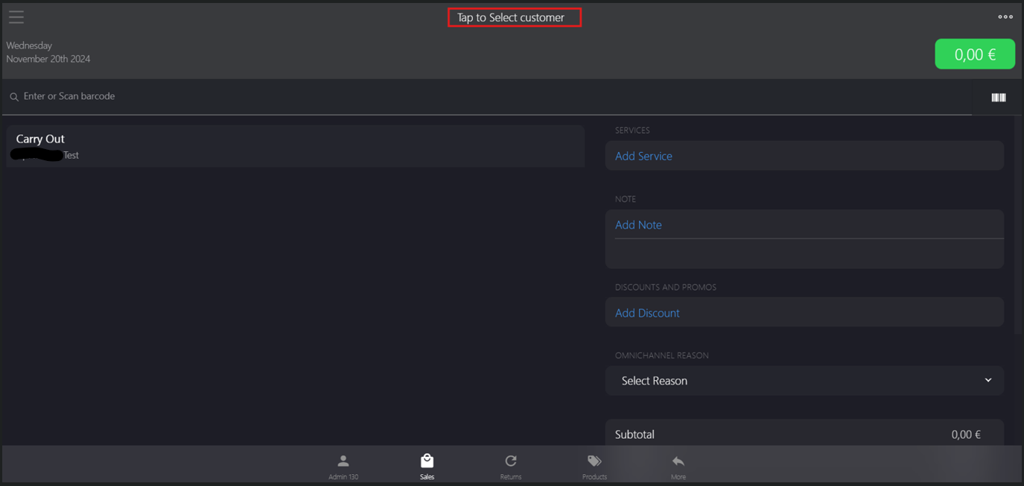
Click Tap to Select customer to add the customer.
-
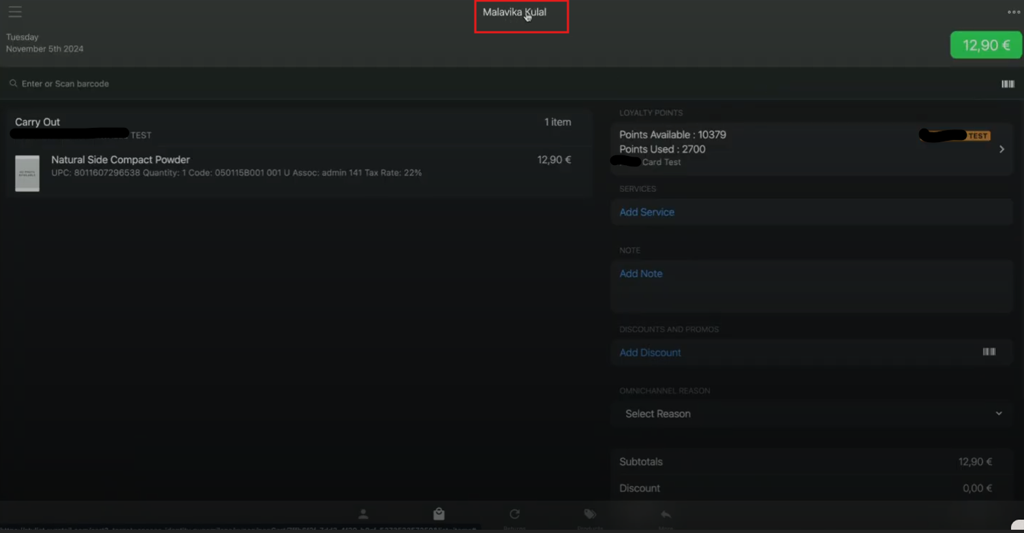
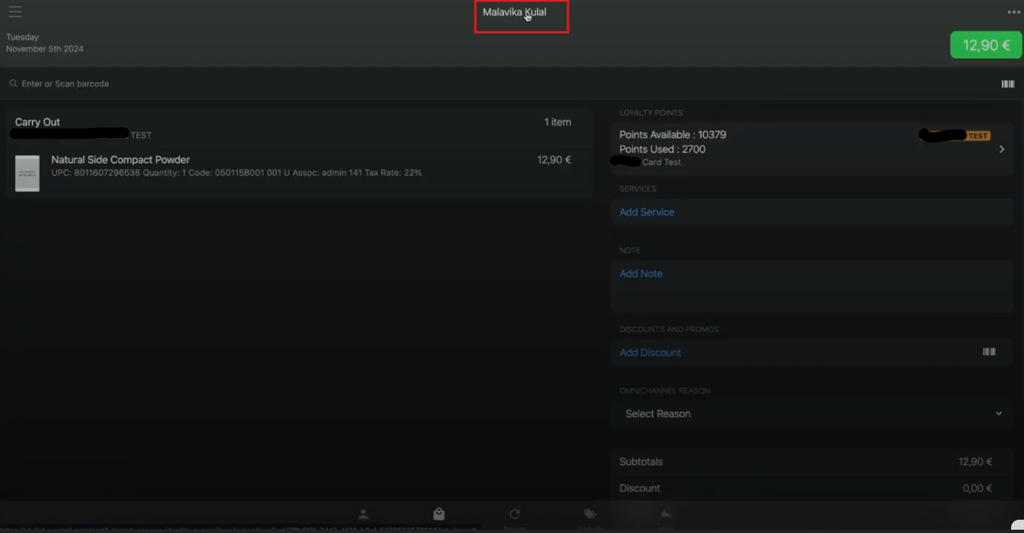
Click the selected customer.
-
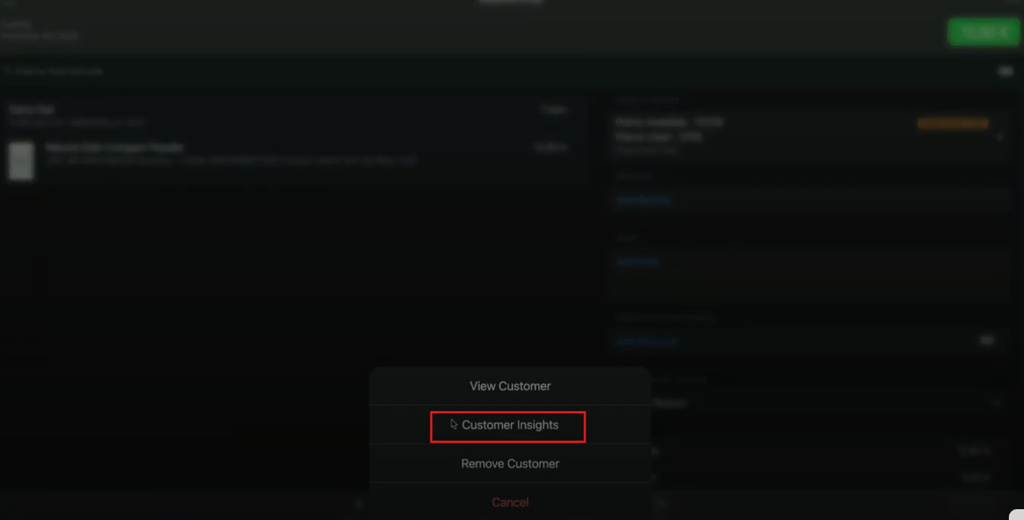
Select Customer Insights in the pop-up menu.
-
The Customer Insights page is displayed