Creating a Consignment
Introduction
This topic explains the procedure for creating a consignment when a customer requests a sales associate select the items for their consideration.
Steps to Create a Consignment
-
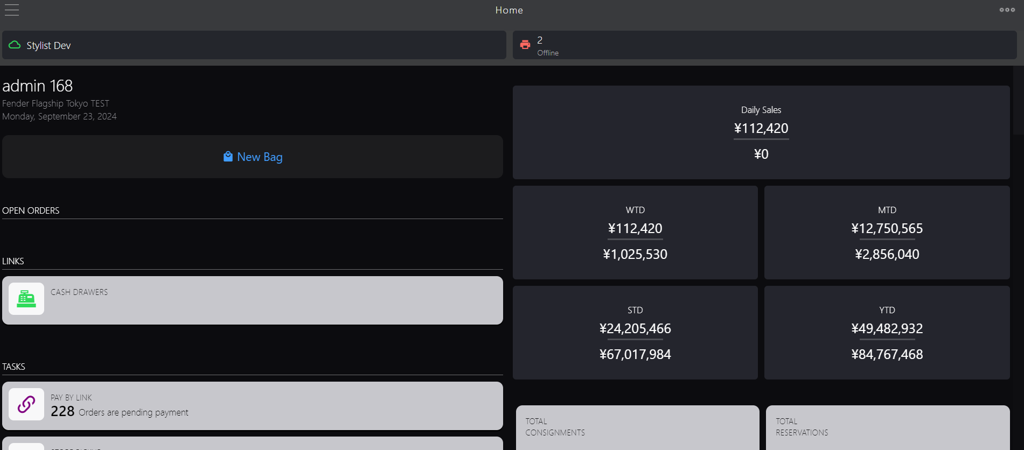
Click the burger menu.
-
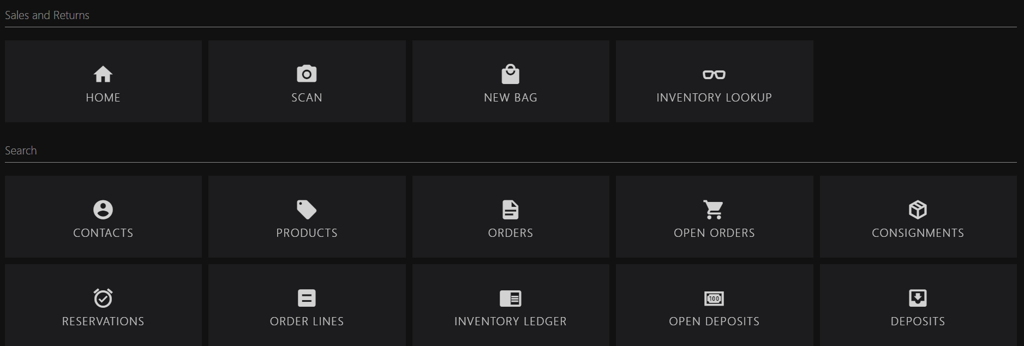
Click New Bag.
-
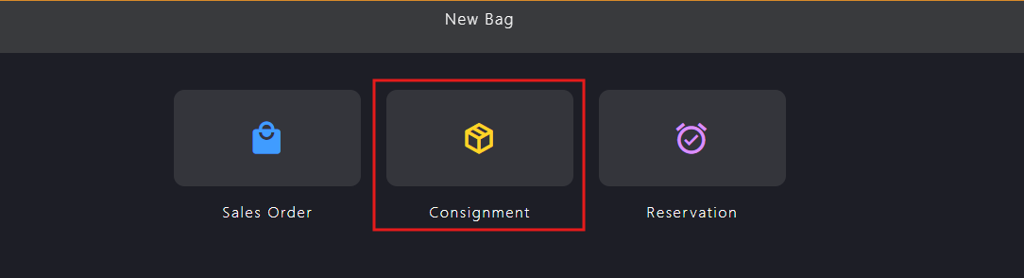
Click Consignment.
-
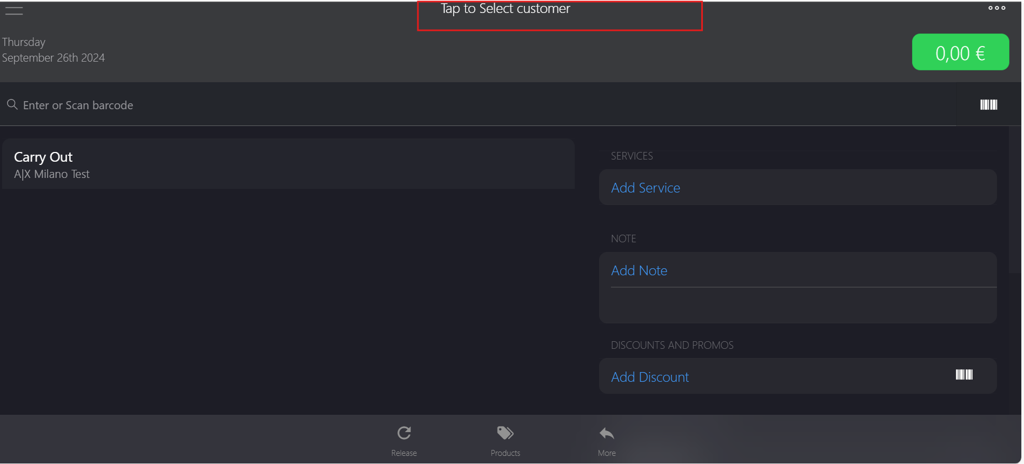
Click Tap to Select customer to add the customer.
-
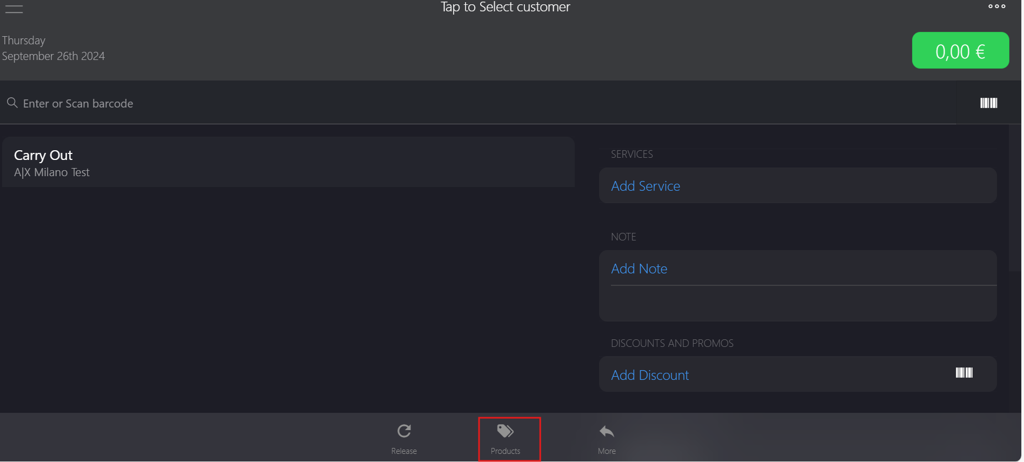
Click Products on the bottom bar to select the item.
-
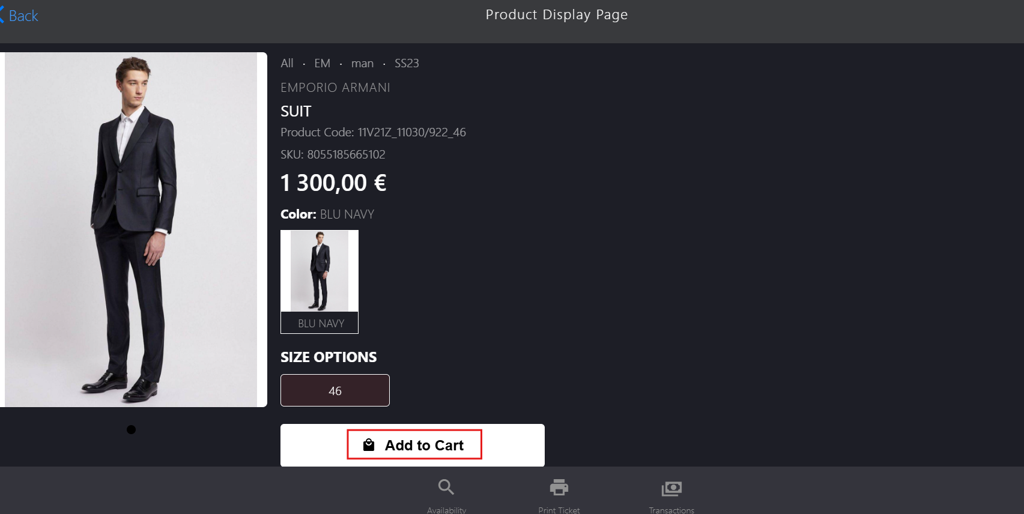
Click Add to Cart.
-
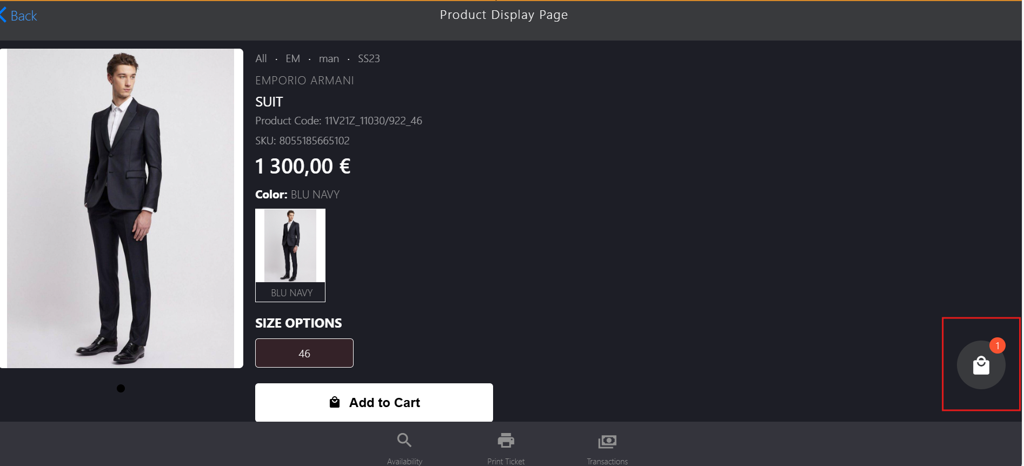
Click the bag icon to navigate back to the consignment page.
-
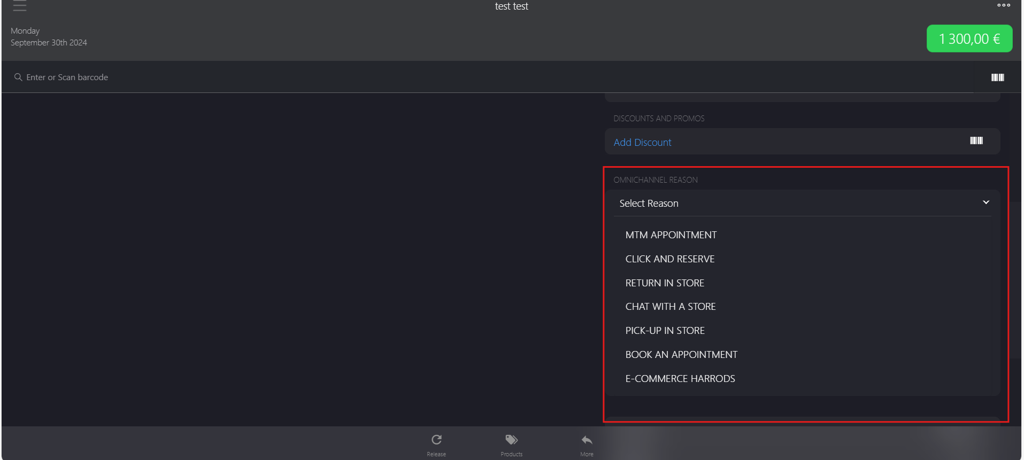
Select a reason from OMNICHANNEL REASON dropdown menu.
-
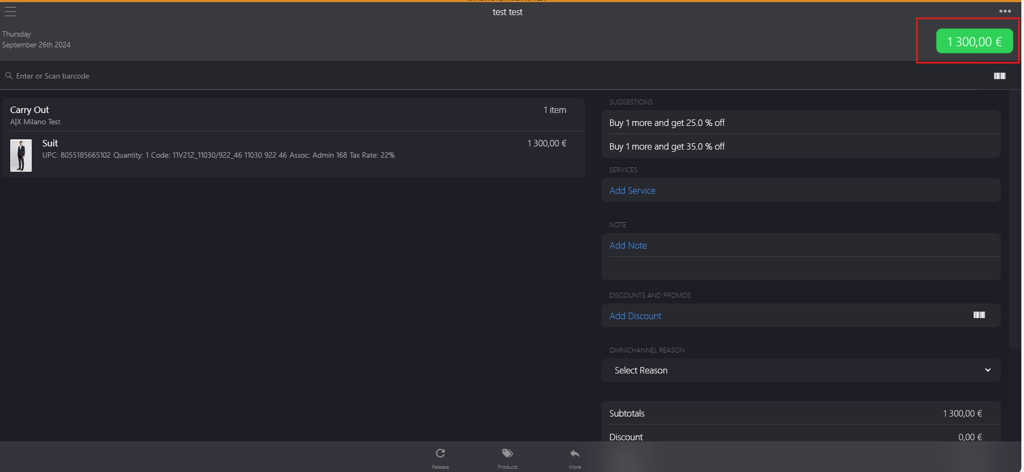
Click the green button in the upper-right corner.
-
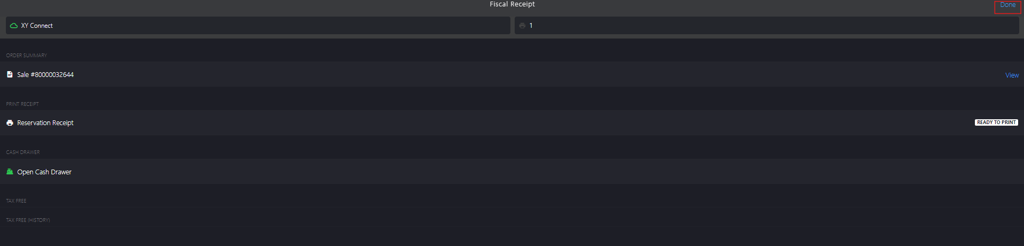
Click Done to complete the consignment.