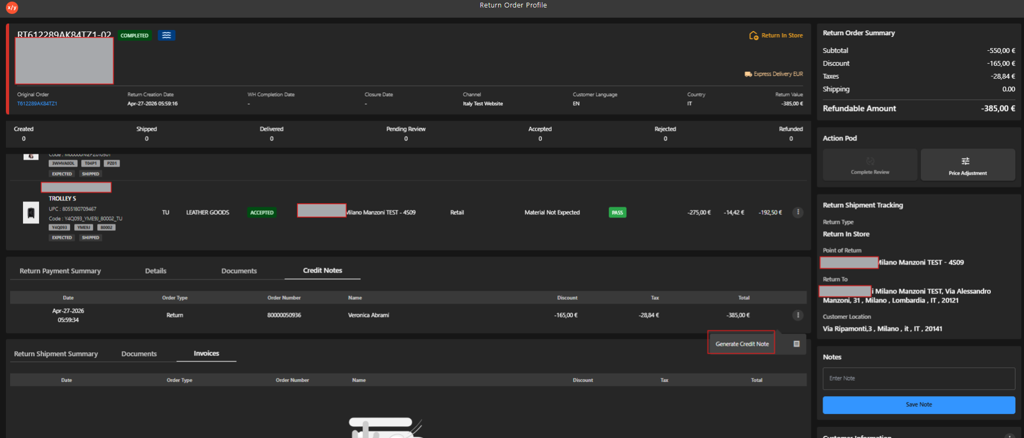
Downloading Credit Note
Introduction
The Downloading Credit Note feature allows users to generate and download a credit note PDF for a return order directly from the Return Order Profile. Credit notes serve as the formal financial document recognizing a refund or price adjustment for accepted return items. Once generated, the credit note PDF can be downloaded for record-keeping, compliance, or sharing with the customer.
Prerequisites
- The return order must have been reviewed and accepted.
- A credit note record must exist under the Credit Notes tab in the Return Payment Summary section.
Steps to Download a Credit Note
-
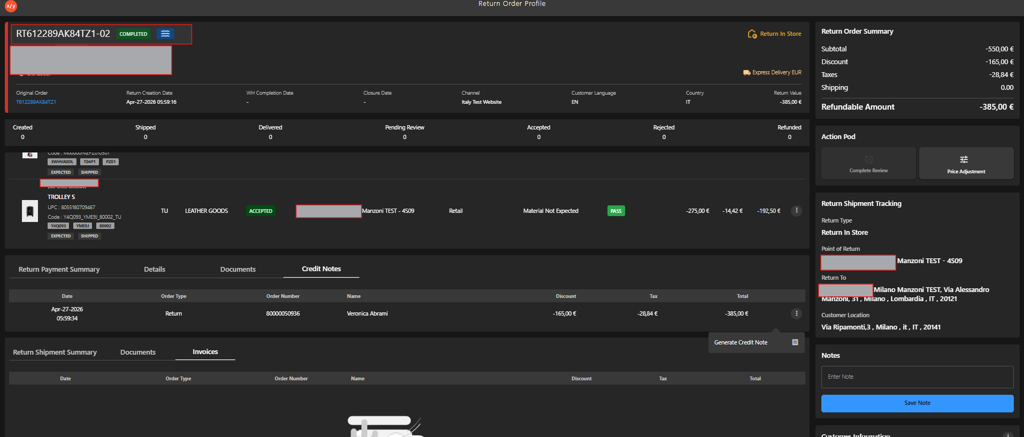
Open the Return Order Profile for the relevant return order.
-
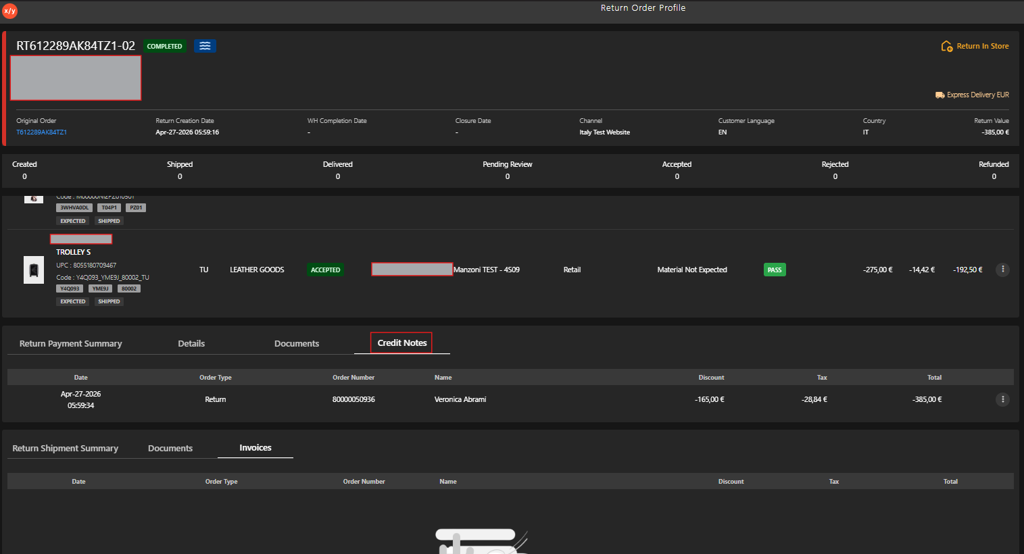
Navigate to the Credit Notes tab in the Return Payment Summary section.
-
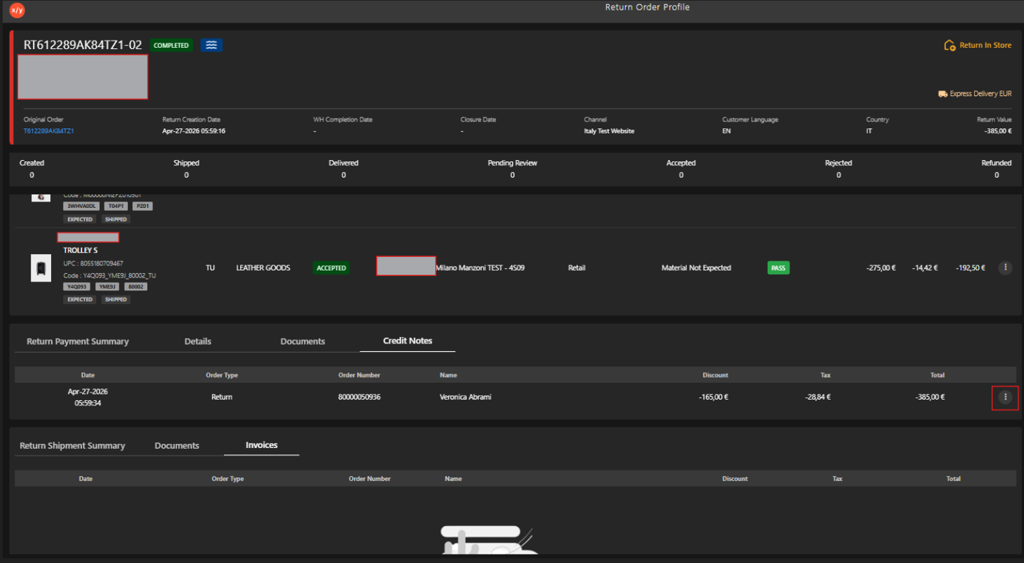
Click the Kebab Menu.
-
Click Generate Credit Note.