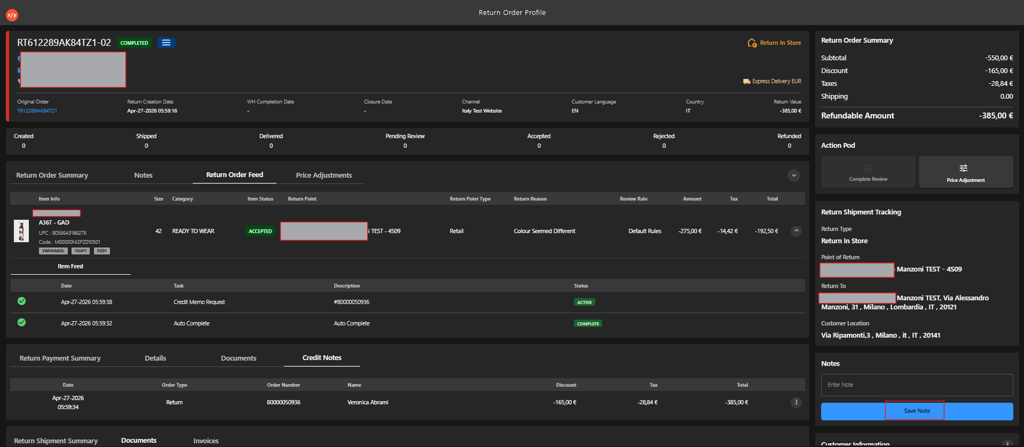
Adding Return Order Note
Introduction
The Return Order Note feature allows users to add internal notes to a specific return order directly from the Return Order Profile. These notes help capture important context, such as the reason for return, inspection details, customer communication, or follow-up actions. Return order notes are stored with the order and can be viewed by other team members to ensure consistent handling and clear communication throughout the return processing lifecycle.
Steps to Add a Return Order Note
-
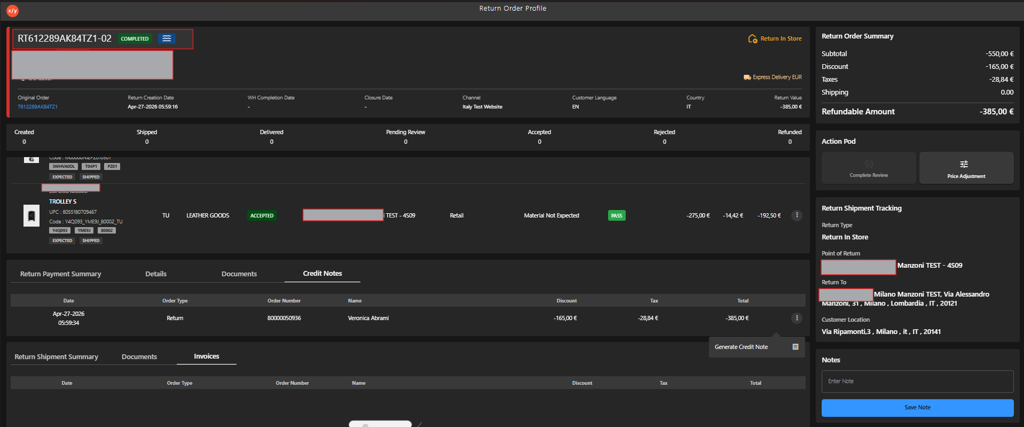
Open the Return Order Profile for the relevant return order.
-
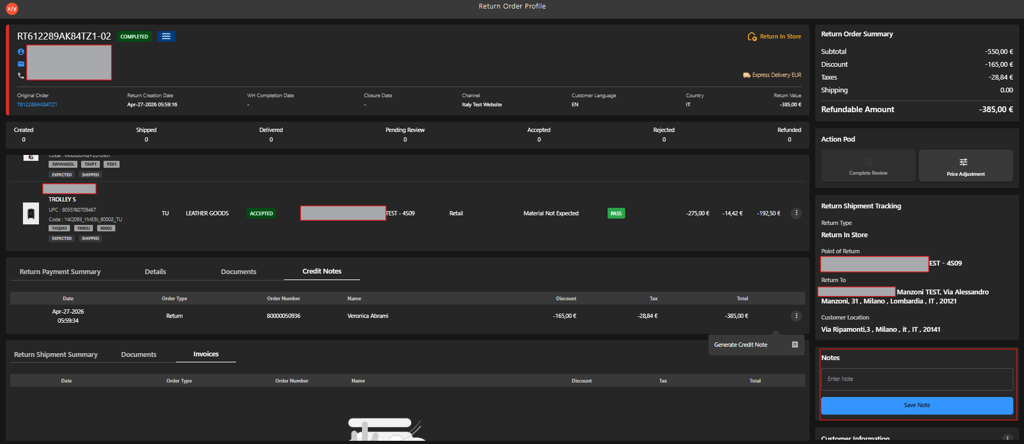
Go to Notes section.
-
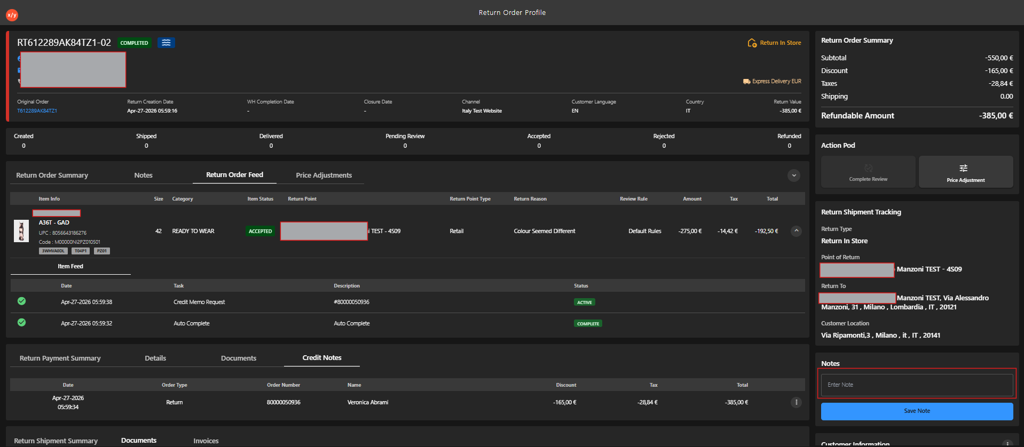
Enter the note in Enter Note field.
-
Click Save Note.