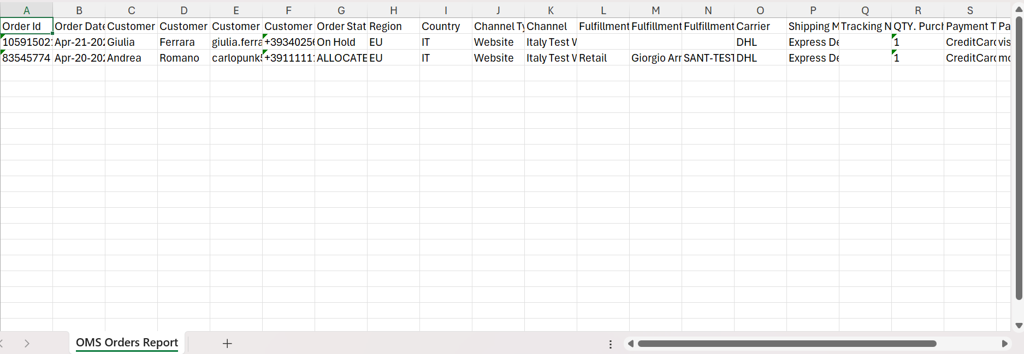
Exporting Order Report
Introduction
This procedure explains how to export order data from the Order tab.
Steps to Export Order Data
-
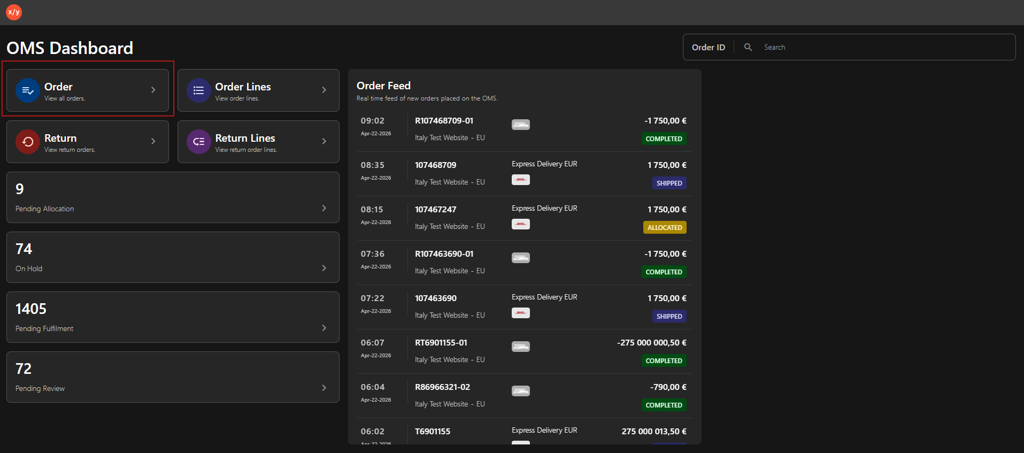
Click Order on the OMS dashboard.
-
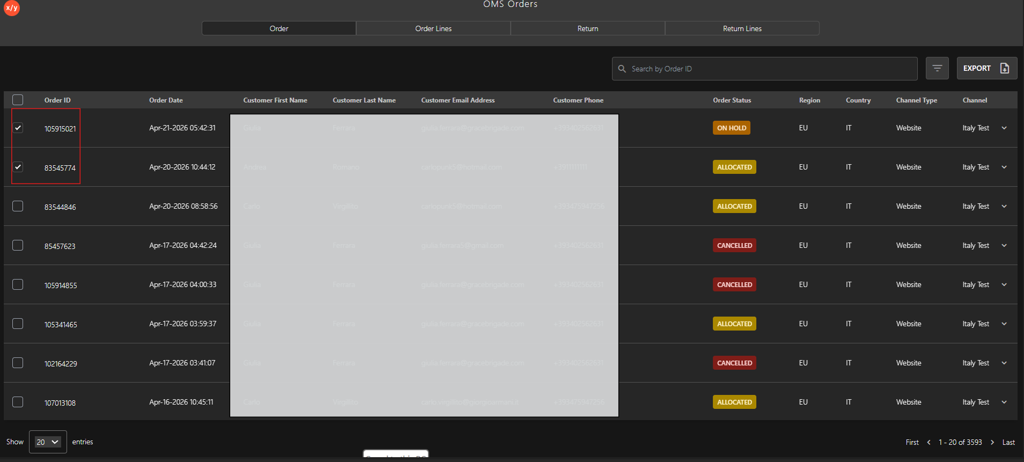
Select specific orders using the checkboxes to export selected data.
-
Click Export in the upper-right corner of the Order tab to export order data to an Excel file.

-
Click OMS Orders Queue-Queue to export the Excel report.