Enabling Return for Non-Returnable Item
Introduction
This topic explains how to set the return option for an item using the Return Override feature. This option allows users to override return restrictions and proceed with the return process.
Steps to Enable the Return of the Item
-
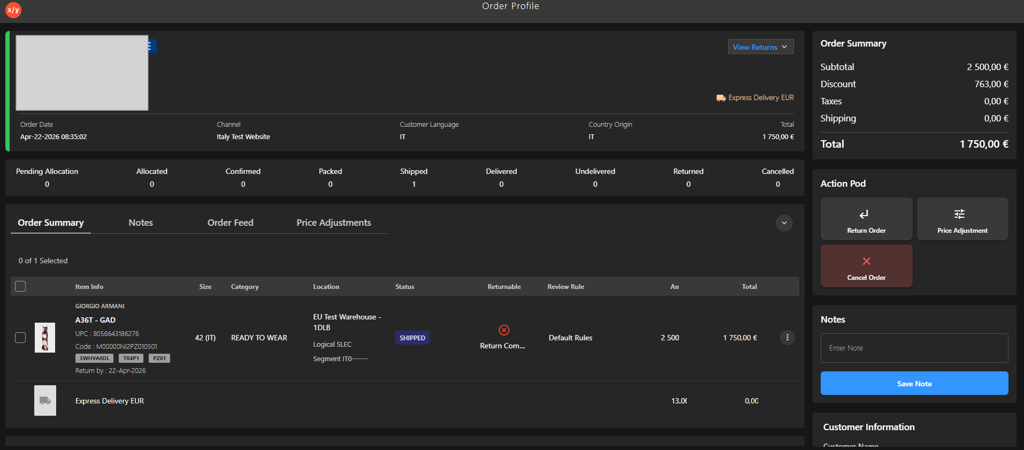
Open the Order Profile.
-
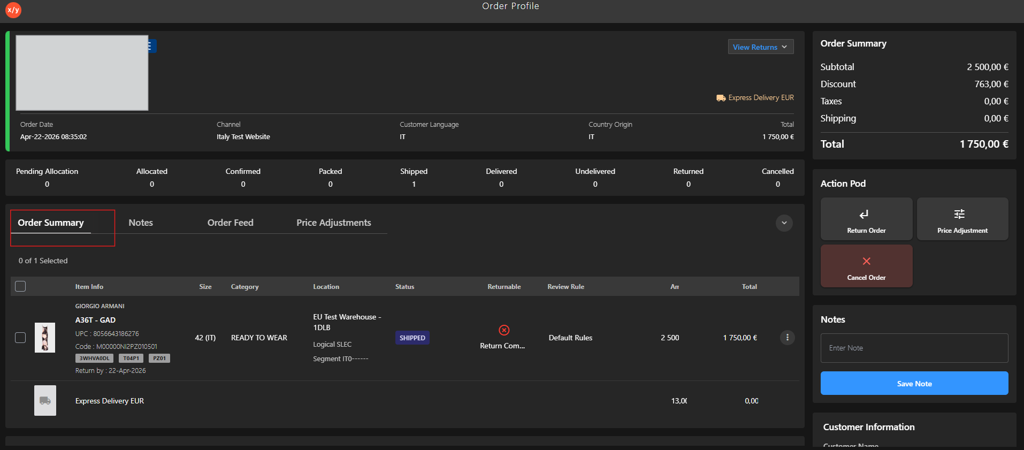
Go to Order Summary.
-
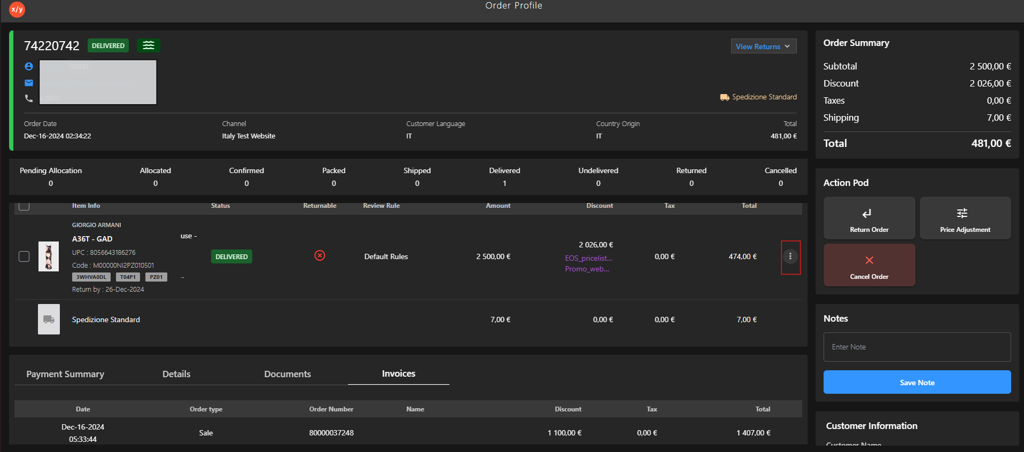
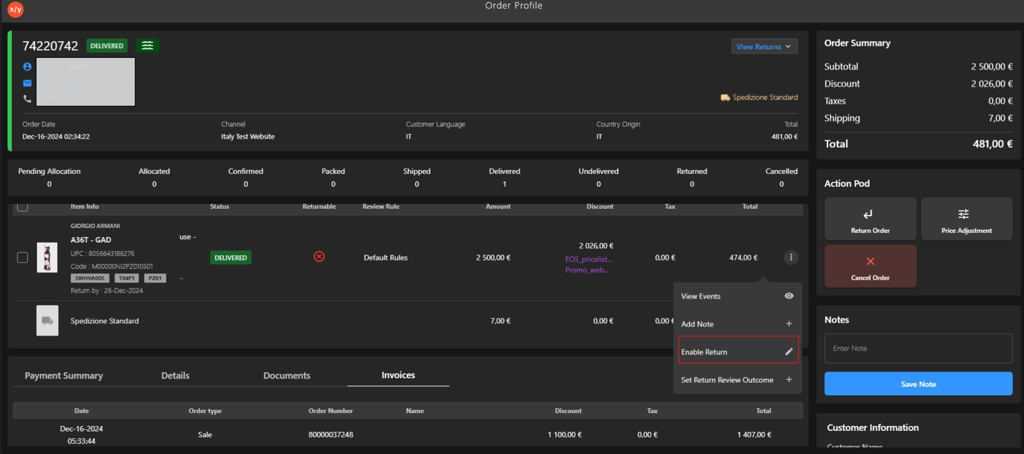
Click the Kebab Menu.
-
Click Enable Return.
-
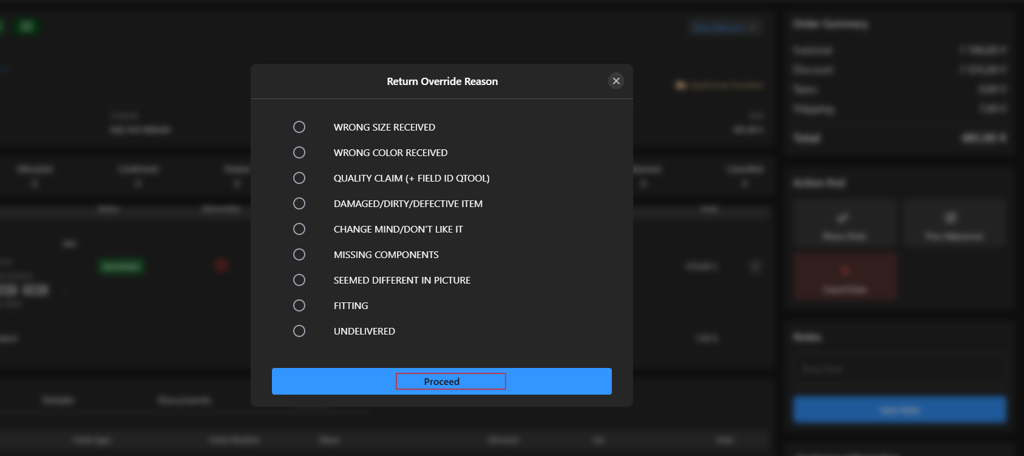
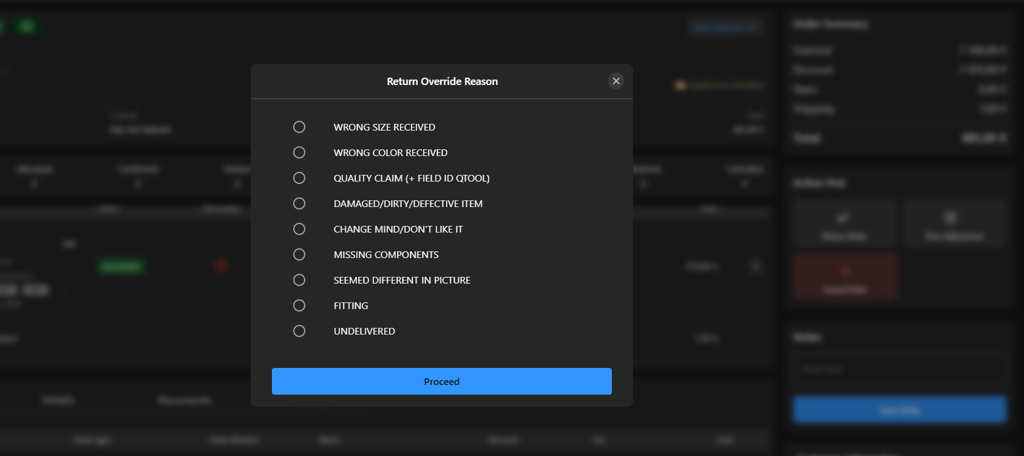
Select one of the available options from Return Override Reason list.
-
Click Proceed to enable the return.